
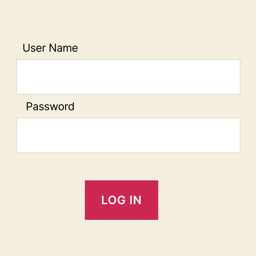
Wopisanje
Attackers trying to breakthrough WordPress admin page. Basic Authentication helps to prevent attacks.
But some case it can’t modify .htaccess or ssl.conf.
This plugin is useful for servers where prohibition modify Apache conf(.htaccess) or Nginx conf(ssl.conf).
Protect WordPress admin page on similar Basic Auth. It doesn’t need .htaccess or ssl.conf.
Features
- Auth log in with User Name and Password.
- Customization title and message in Login page.
Note
This plugin doesn’t replace Basic Authentication. If you can modify .htaccess or ssl.conf, I recommend using that. See differences running layer.
Running Layer
Fronts-end (ex: CSS, Javascript)
Application Plugin <- This plugin
Application (ex: WordPress)
Programming language (ex: PHP)
Middleware Web (ex: Apache, Nginx) <- .htaccess Basic Authentication
Middleware DB / OS
Fota wobrazowki


Instalacija
- Visit Plugins > Add New in your WordPress admin page.
- Search for „WP Similar Basic Auth“.
- Click Install Now then Activate plugin.
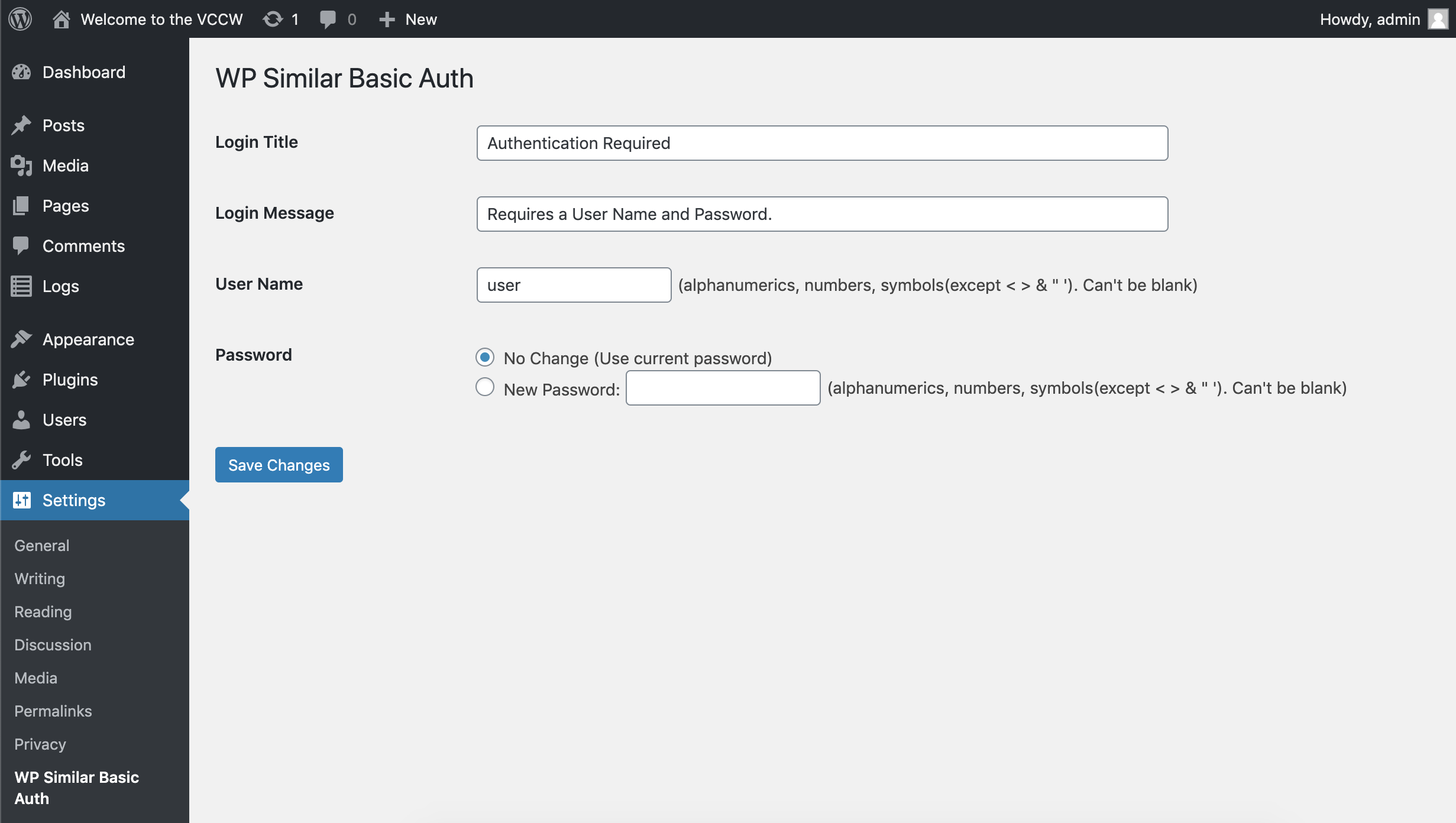
- Configure User Name and Password in Settings > WP Similar Basic Auth.
Note
- Staring WP Similar Basic Auth in WordPress admin page after settings User Name and Password.
- Enable cookie and JavaScript on your computer.
HSP
-
I forgot User Name and Password.
-
Try to following steps.
- Delete wp-similar-basic-auth in your WordPress plugins directory.
(ex: [WordPress Installation Path]/wp-content/plugins/wp-similar-basic-auth) - Log in to your WordPress admin page.
- Reinstall WP Similar Basic Auth. (See Installation instructions)
- Configure new User Name and Password in the „WP Similar Basic Auth“ settings.
- Delete wp-similar-basic-auth in your WordPress plugins directory.
-
Can I read password?
-
No. WP Similar Basic Auth plugin use hash function.
-
Why doesn’t ask log in again?
-
„Remember logging in“ for several weeks if you successful WP Similar Basic Auth log in page.
Ask log in again after log out WordPress admin page or several weeks. -
How can I log out WP Similar Basic Auth?
-
Log out WordPress admin page.
-
How can I stop?
-
Deactivate in the WordPress plugins menu.
-
Can I change the WP Similar Basic Auth log in page theme?
-
No. WP Similar Basic Auth plugin automatically load your WordPress theme.
But you can customize style by CSS. Use ‚div id=“wsba“‚.
Pohódnoćenja
Za tutón tykač pohódnoćenja njejsu.
Sobuskutkowarjo a wuwiwarjo
„WP Similar Basic Auth“ je softwara wotewrjeneho žórła. Slědowacy ludźo su k tutomu tykačej přinošowali.
Sobuskutkowarjo
Přełožće „WP Similar Basic Auth“ do swojeje rěče.
Na wuwiću zajimowany?
Přehladajće kod, hladajće do SVN-repozitorija abo abonujće wuwiwanski protokol přez RSS.
Protokol změnow
See the release history.