

Wopisanje
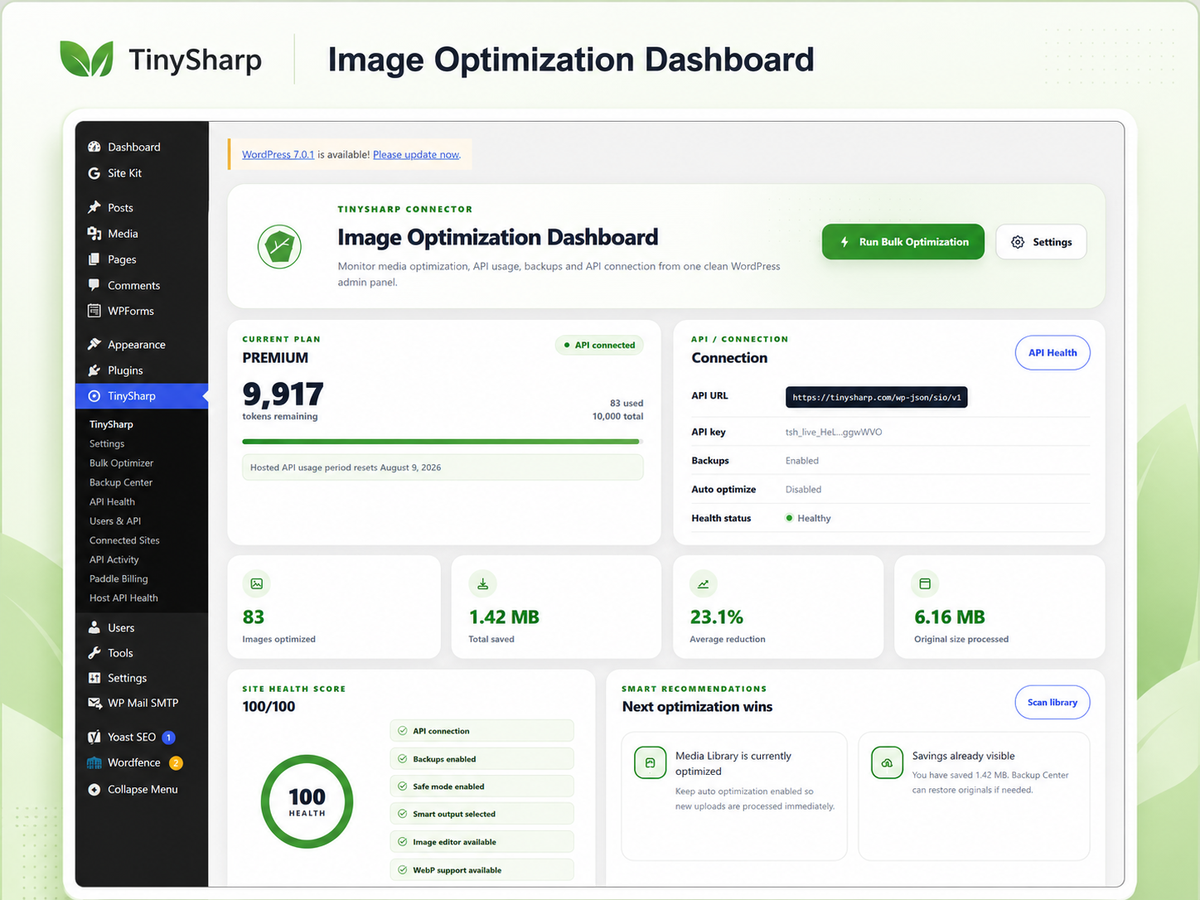
TinySharp Image Optimizer Connector helps site owners compress images, convert supported formats where the server supports them, keep backups of originals, and run safe bulk optimization workflows from the WordPress admin. Built-in local optimization, bulk tools, backups and restore controls are available without a license key. Connecting the TinySharp API is optional and adds hosted processing plus account usage reporting from the TinySharp service.
Main features
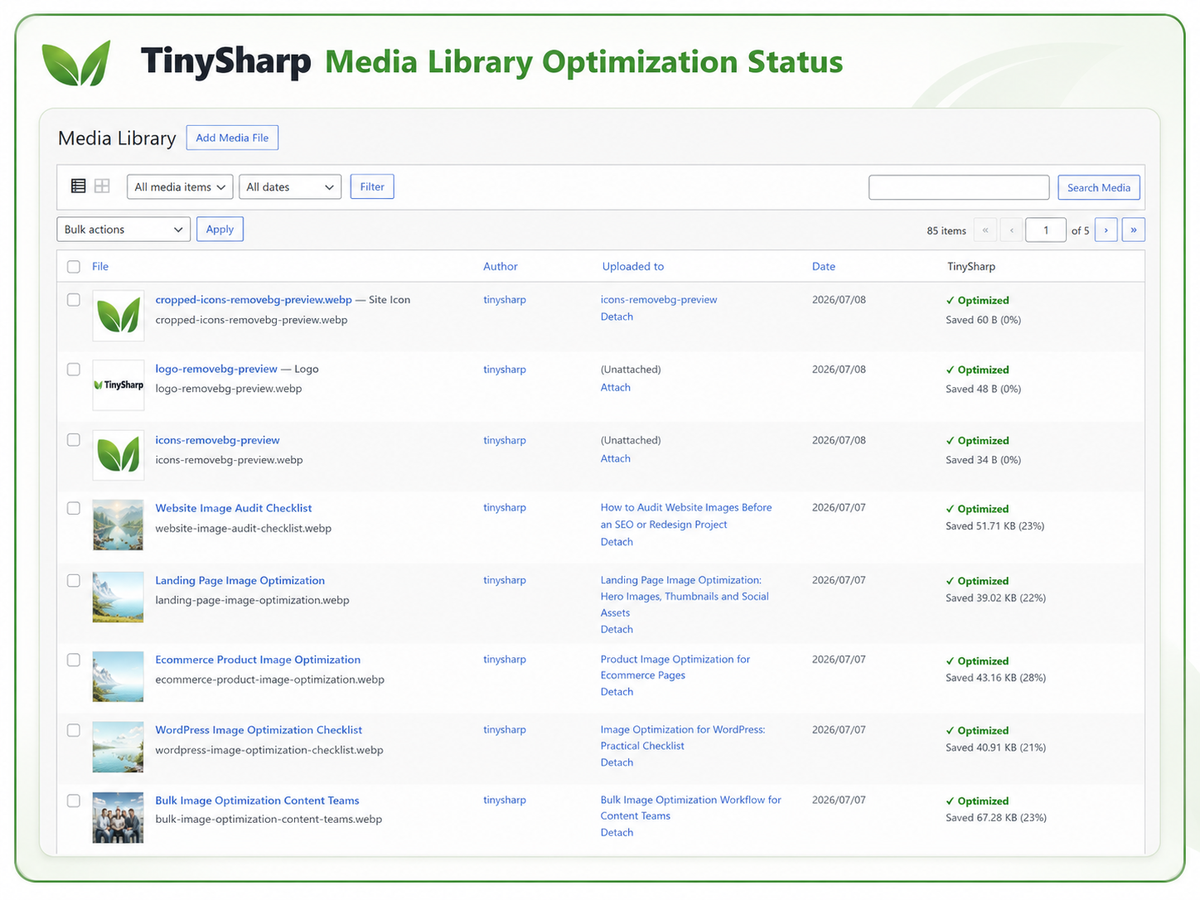
- Media Library optimization controls
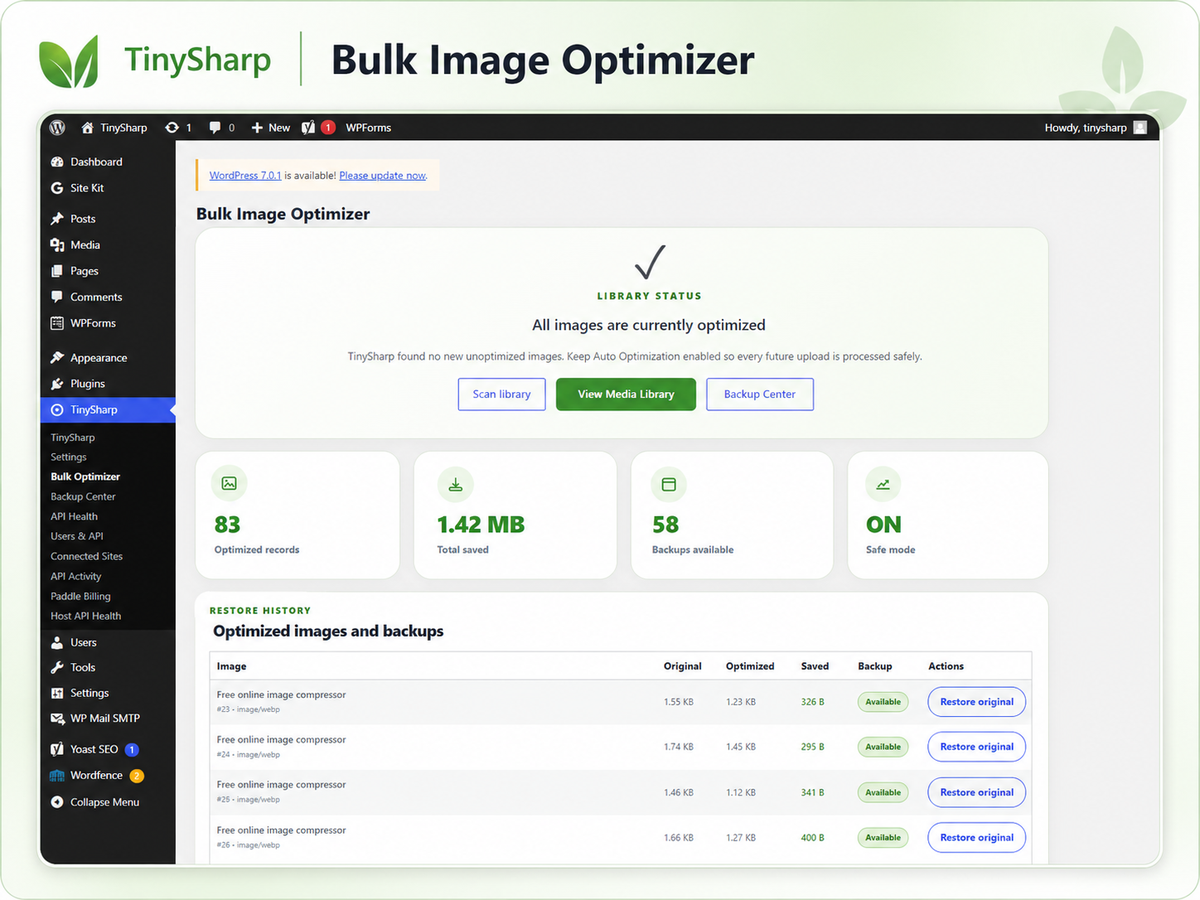
- Bulk image optimization screen
- Automatic optimization on upload when enabled
- WebP conversion support
- AVIF support when available in the server/API image environment
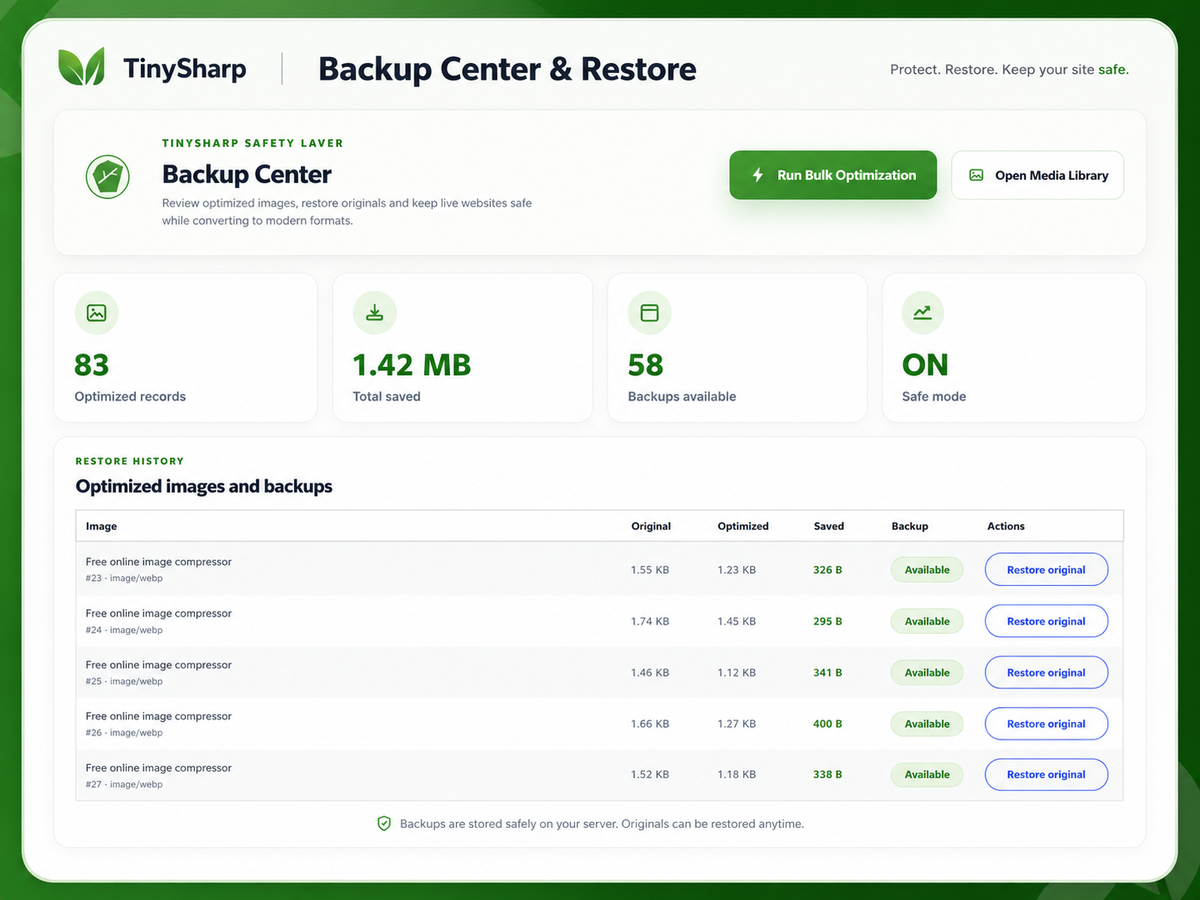
- Backup Center with restore controls
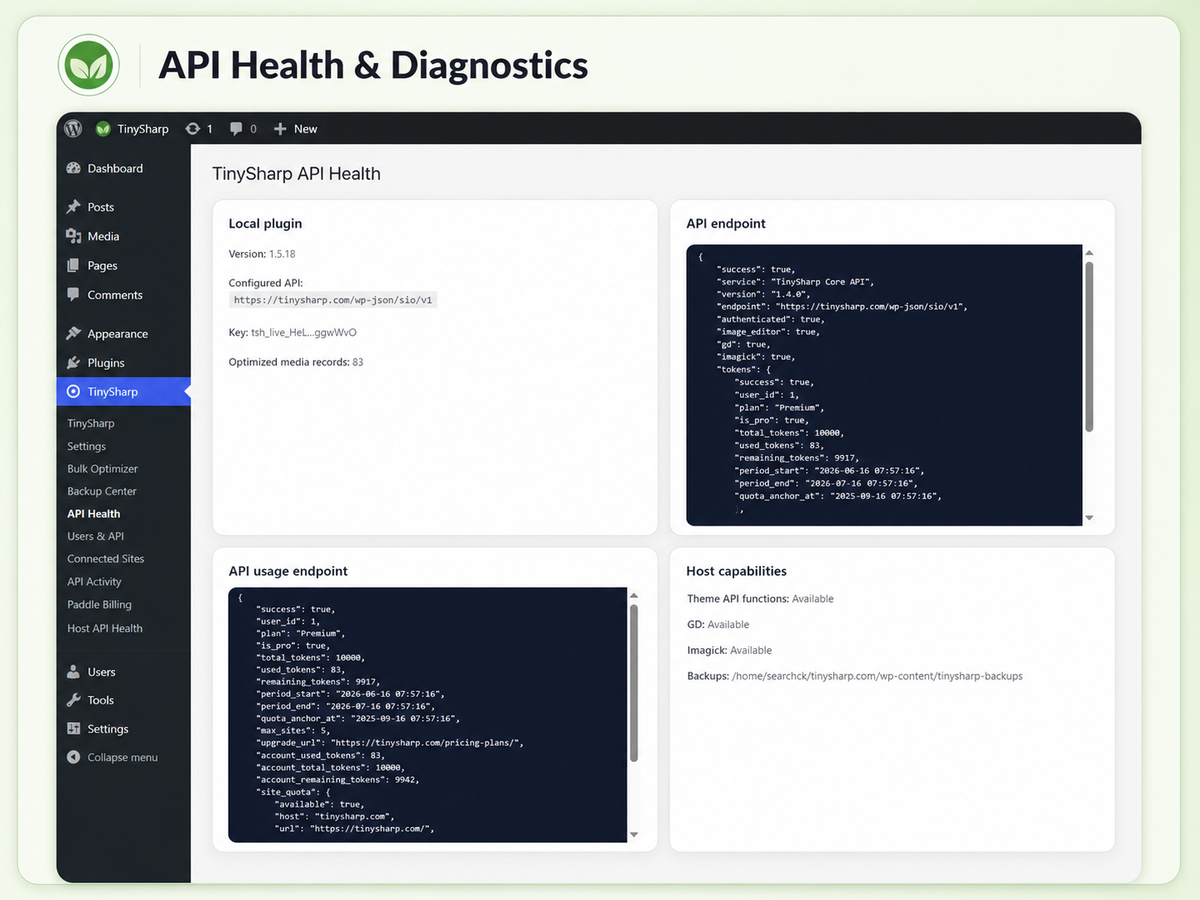
- Hosted API usage status when a TinySharp API key is connected
- API Health screen for troubleshooting
- Safe mode to avoid replacing files when the optimized version is larger
Local tools and optional API access
The WordPress.org plugin includes local optimization, bulk optimization, backups, restore controls and safe-mode settings without a license key. A TinySharp account and API key from https://tinysharp.com/ are optional and are used only when you choose to connect to the hosted TinySharp API service for server-side processing and account usage reporting.
External service disclosure
This plugin connects to the TinySharp API service at:
https://tinysharp.com/wp-json/sio/v1
The plugin connects to this service when you configure an API key and then test the API connection, check API usage status, or choose hosted API processing for optimization.
Data that may be sent to TinySharp:
- Image files selected for optimization
- Your configured TinySharp API key
- Site URL
- Plugin version
- Requested output format and quality settings
- Basic optimization metadata such as file size and savings
Purpose of the connection:
- Authenticate the WordPress site with the TinySharp account
- Process selected images for compression or conversion
- Return optimized image data
- Track hosted API usage and connected site activity
- Show API health information inside WordPress
TinySharp service terms: https://tinysharp.com/terms-of-service/
TinySharp privacy policy: https://tinysharp.com/privacy-policy/
No image is sent to the TinySharp API until the site administrator configures an API key and explicitly starts an optimization action or enables automatic optimization.
Privacy
TinySharp Image Optimizer sends selected images and optimization metadata to the TinySharp API only when the API key is configured and API processing is requested. See the External service disclosure section for details. Review the TinySharp privacy policy at https://tinysharp.com/privacy-policy/.
Support
For support, visit https://tinysharp.com/support/ or email support@tinysharp.com.
Fota wobrazowki
Instalacija
- Upload the plugin ZIP through Plugins > Add New > Upload Plugin, or upload the plugin folder to
/wp-content/plugins/. - Activate TinySharp Image Optimizer Connector.
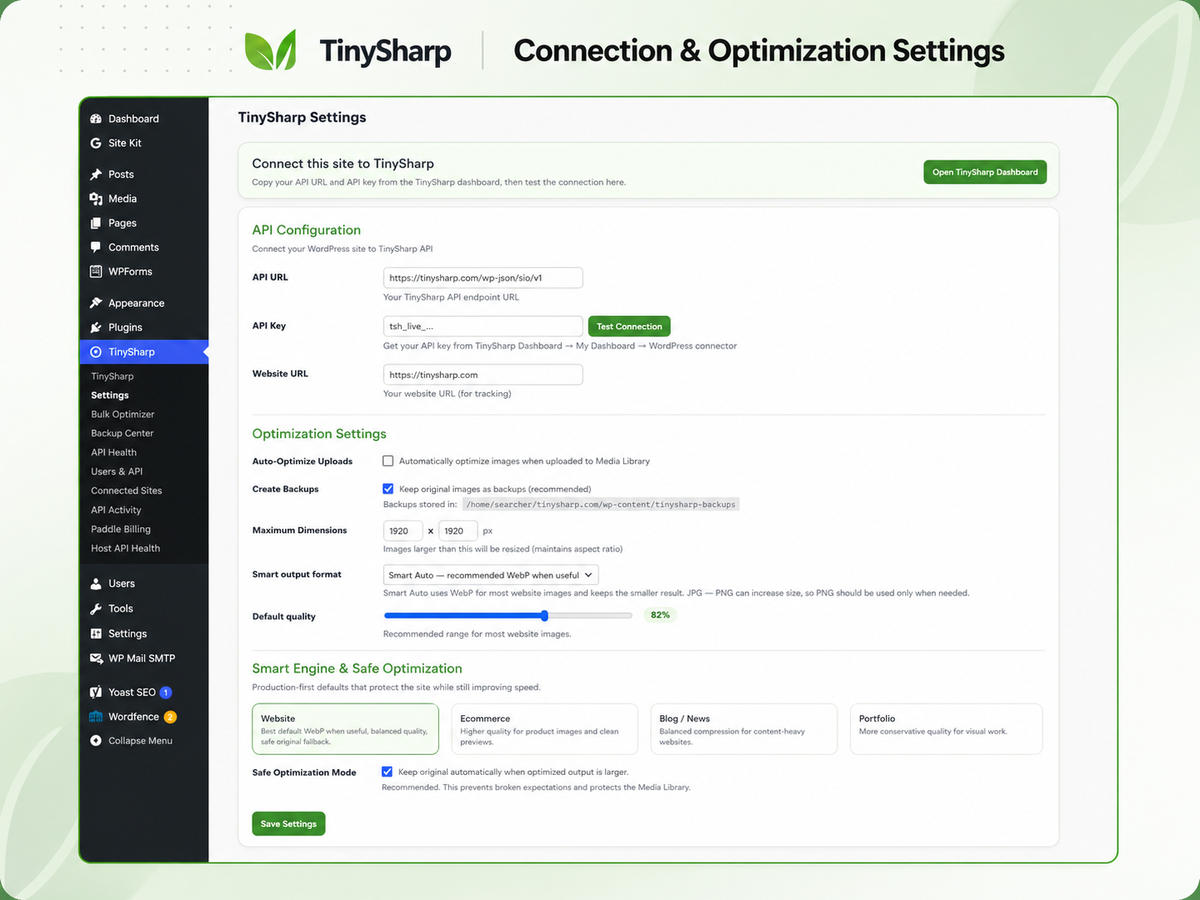
- Open TinySharp > Settings.
- Enter the API URL:
https://tinysharp.com/wp-json/sio/v1. - Copy your API key from your TinySharp dashboard and paste it into the plugin settings.
- Click Test Connection.
- Enable backups before running bulk optimization on a production site.
HSP
-
Do I need a TinySharp account?
-
No for built-in local optimization. A TinySharp account and API key are optional and are used only for the hosted TinySharp API service. The plugin settings include a link to the TinySharp dashboard for users who want hosted processing.
-
Are images sent to an external server?
-
Yes. Images selected for optimization may be sent to the TinySharp API for processing. This is disclosed in the External service disclosure section above.
-
Can I restore original images?
-
Yes, when backups are enabled and a backup record is available. Use TinySharp > Backup Center to restore or remove stored backups.
-
Does the plugin optimize images automatically?
-
Automatic optimization can be enabled from TinySharp > Settings. Keep backups and safe mode enabled when first testing this feature.
-
Built-in local optimization remains available. If you connect the hosted TinySharp API service, the plugin may show API usage or API health information returned by that service.
Pohódnoćenja
Za tutón tykač pohódnoćenja njejsu.
Sobuskutkowarjo a wuwiwarjo
„TinySharp Image Optimizer Connector“ je softwara wotewrjeneho žórła. Slědowacy ludźo su k tutomu tykačej přinošowali.
Sobuskutkowarjo
Přełožće „TinySharp Image Optimizer Connector“ do swojeje rěče.
Na wuwiću zajimowany?
Přehladajće kod, hladajće do SVN-repozitorija abo abonujće wuwiwanski protokol přez RSS.
Protokol změnow
1.5.18
- Made built-in local optimization, bulk tools, backups and restore controls available without license or plan gates.
- Removed quota-based upgrade notices from the WordPress.org build.
- Replaced inline script output with wp_add_inline_script().
- Hardened optimized file writes by validating output extensions and using WordPress filesystem APIs.
1.5.17
- Reworked remaining custom stats table queries to use identifier placeholders.
- Documented unavoidable TinySharp custom stats table writes for Plugin Check.
1.5.16
- Fixed Plugin Check blocking errors for escaped output and discouraged file deletion calls.
- Sanitized AJAX POST values before settings save and connection tests.
- Added reviewer notes for custom statistics table queries used by the plugin dashboard.
1.5.15
- Matched the readme plugin name with the plugin header for WordPress.org review.
- Kept the public connector build focused on the TinySharp API integration.
1.5.14
- Prepared WordPress.org submission build.
- Updated readme with external service disclosure, privacy details, and WordPress.org-focused installation notes.
- Replaced remote admin branding image references with bundled local assets.
- Kept external service notices limited to TinySharp plugin admin screens.
- Improved input sanitization for selected AJAX settings.
1.5.13
- Added site statistics sync headers so TinySharp dashboard can display connected-site optimized counts and savings more accurately.
1.5.12
- Improved hosted API usage display.
1.5.11
- Improved connected-site usage handling for API mode.