

Wopisanje
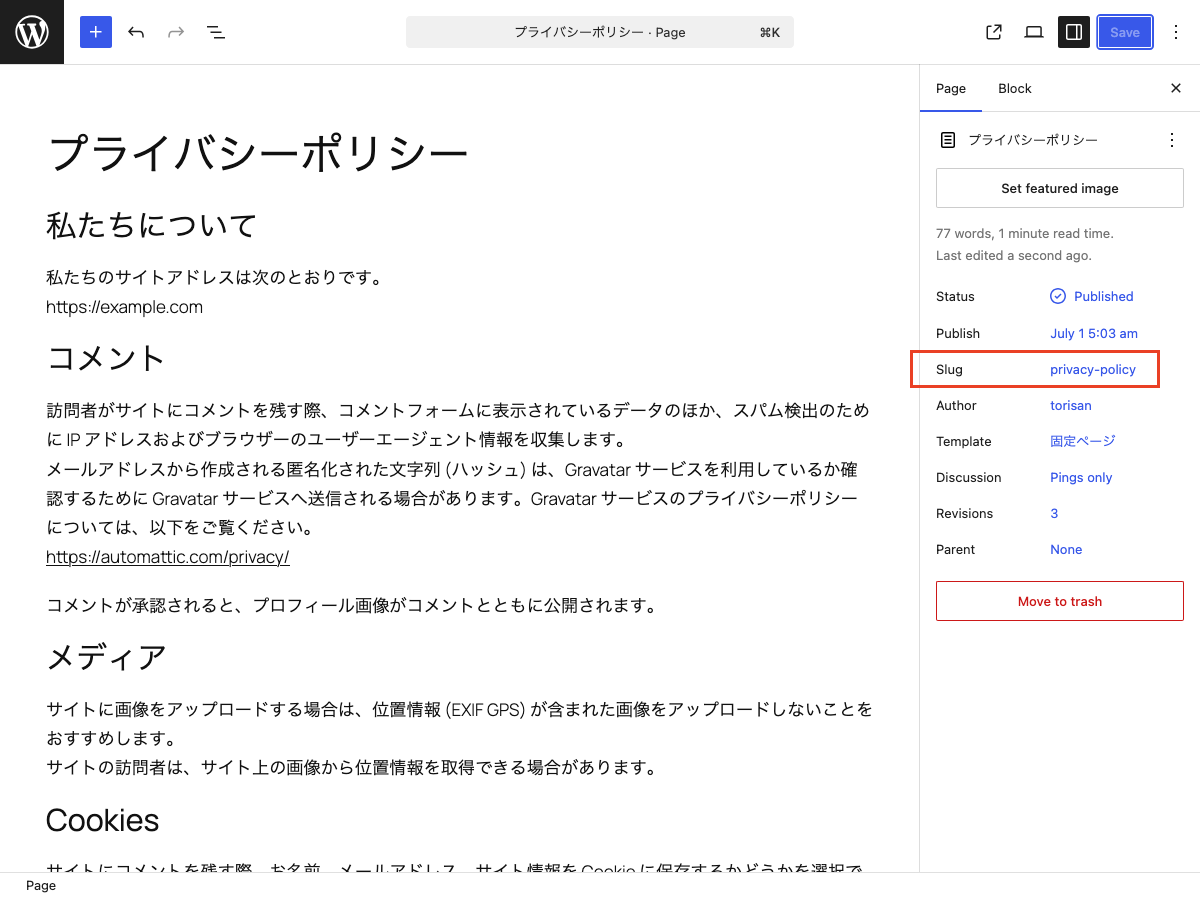
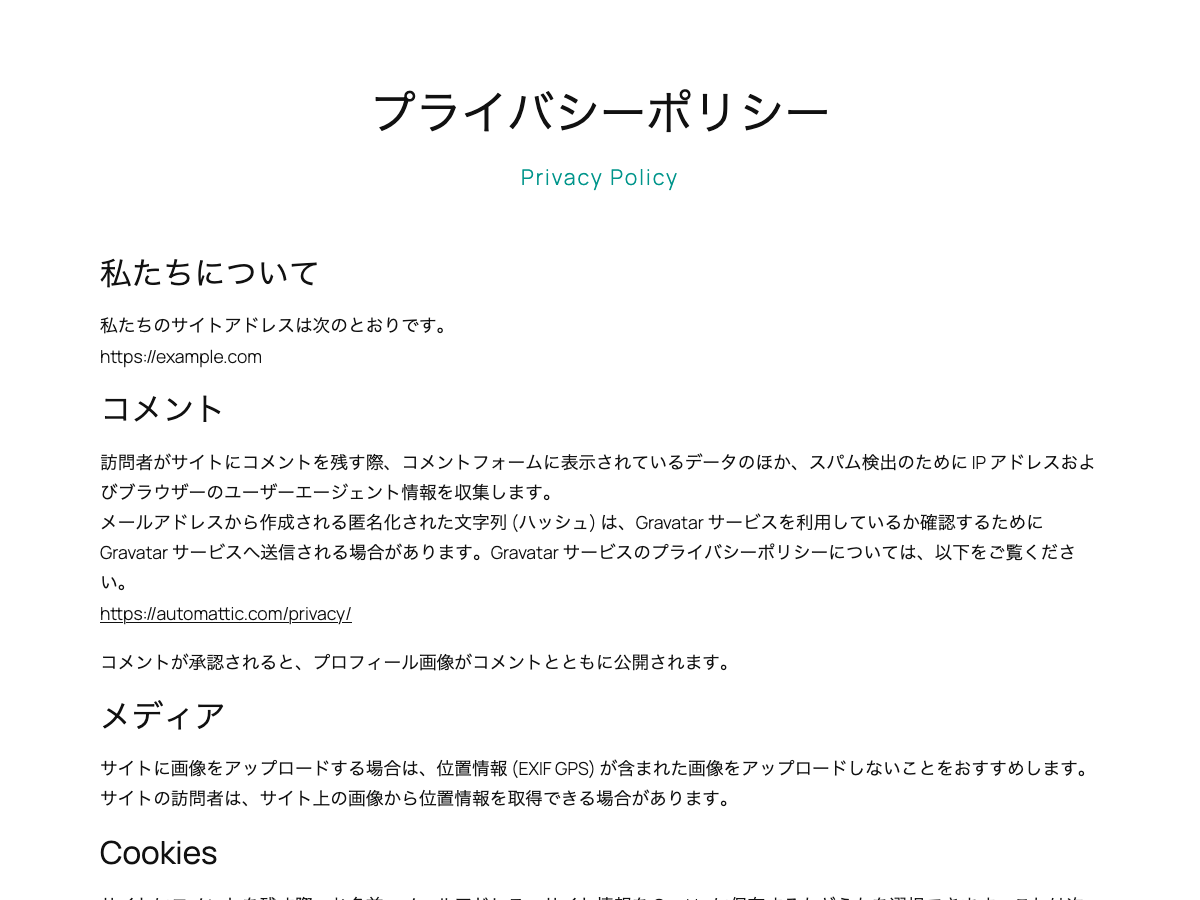
This block is designed for use in templates in the Site Editor. It displays the current post’s slug on single posts and pages. On archive pages, it displays the slug of the current category or custom post type.
Hyphens in slugs are displayed as spaces.
You can use the displayed slug as supporting text for the page title or as a design accent.
It extends the core Paragraph block, so you can use the same styling options available to Paragraph blocks.
Usage
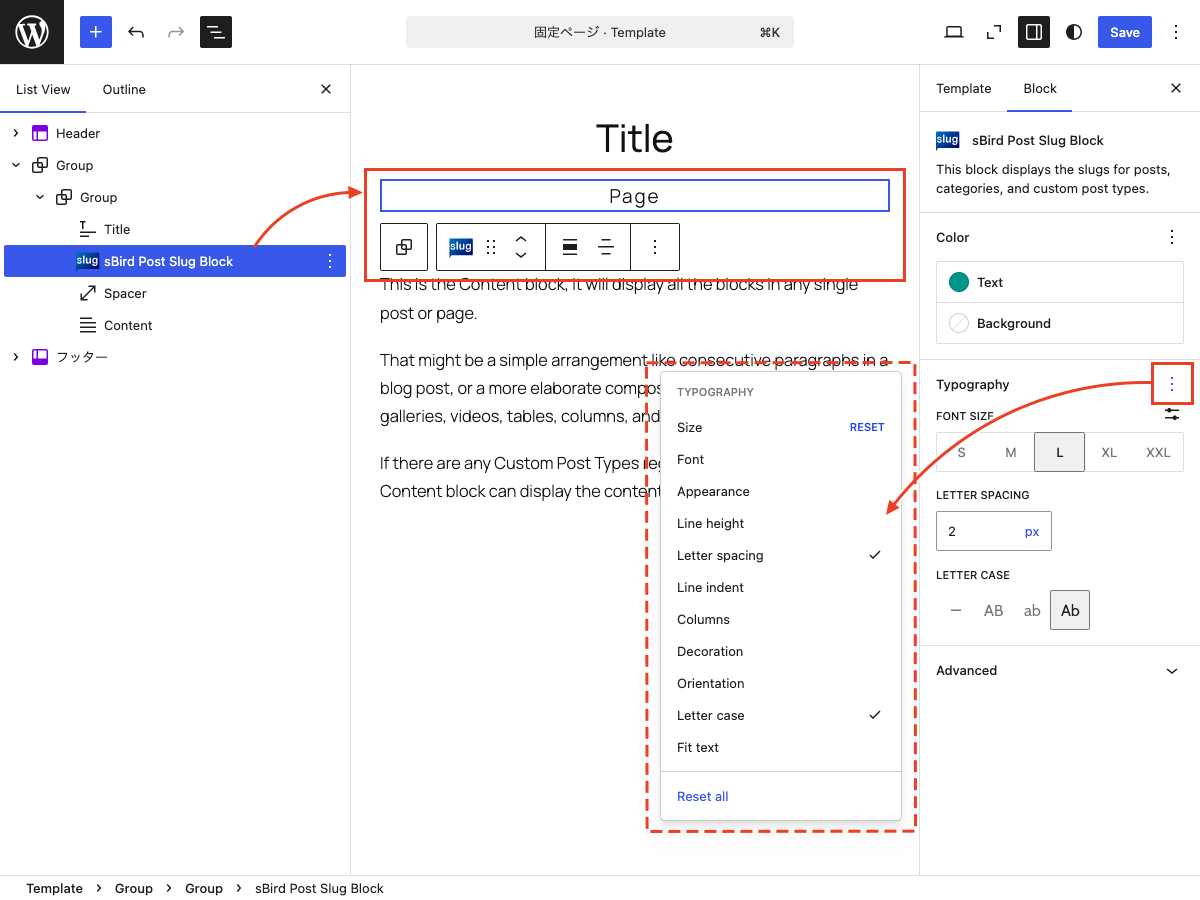
- Add the „sBird Post Slug Block“ to a template in the Site Editor.
- You can use the block on single posts, pages, and archive pages.
- As with the Paragraph block, you can customize the text color, background color, font size, and typography.
Fota wobrazowki
Bloki
Tutón tykač 1 blok skići.
- sBird Post Slug Block This is a block for the Site Editor that displays the slugs of posts, categories, and custom post types.
Instalacija
- Upload the plugin files to the /wp-content/plugins/sbird-post-slug-block directory, or install the plugin through the WordPress plugins screen directly.
- Activate the plugin through the ‘Plugins’ menu in WordPress.
- Use the site editor to add “sBird Post Slug Block” to your template.
Pohódnoćenja
Za tutón tykač pohódnoćenja njejsu.
Sobuskutkowarjo a wuwiwarjo
„sBird Post Slug Block“ je softwara wotewrjeneho žórła. Slědowacy ludźo su k tutomu tykačej přinošowali.
Sobuskutkowarjo
„sBird Post Slug Block“ je so do 1 rěče přełožił. Dźakujemy so přełožowarjam za jich přinoški.
Přełožće „sBird Post Slug Block“ do swojeje rěče.
Na wuwiću zajimowany?
Přehladajće kod, hladajće do SVN-repozitorija abo abonujće wuwiwanski protokol přez RSS.
Protokol změnow
1.1.2
- Tested with WordPress 7.1.
1.1.1
- Added nowrap styling.
1.1
- Added margin and padding controls.
1.0
- Hello, world!