

Wopisanje
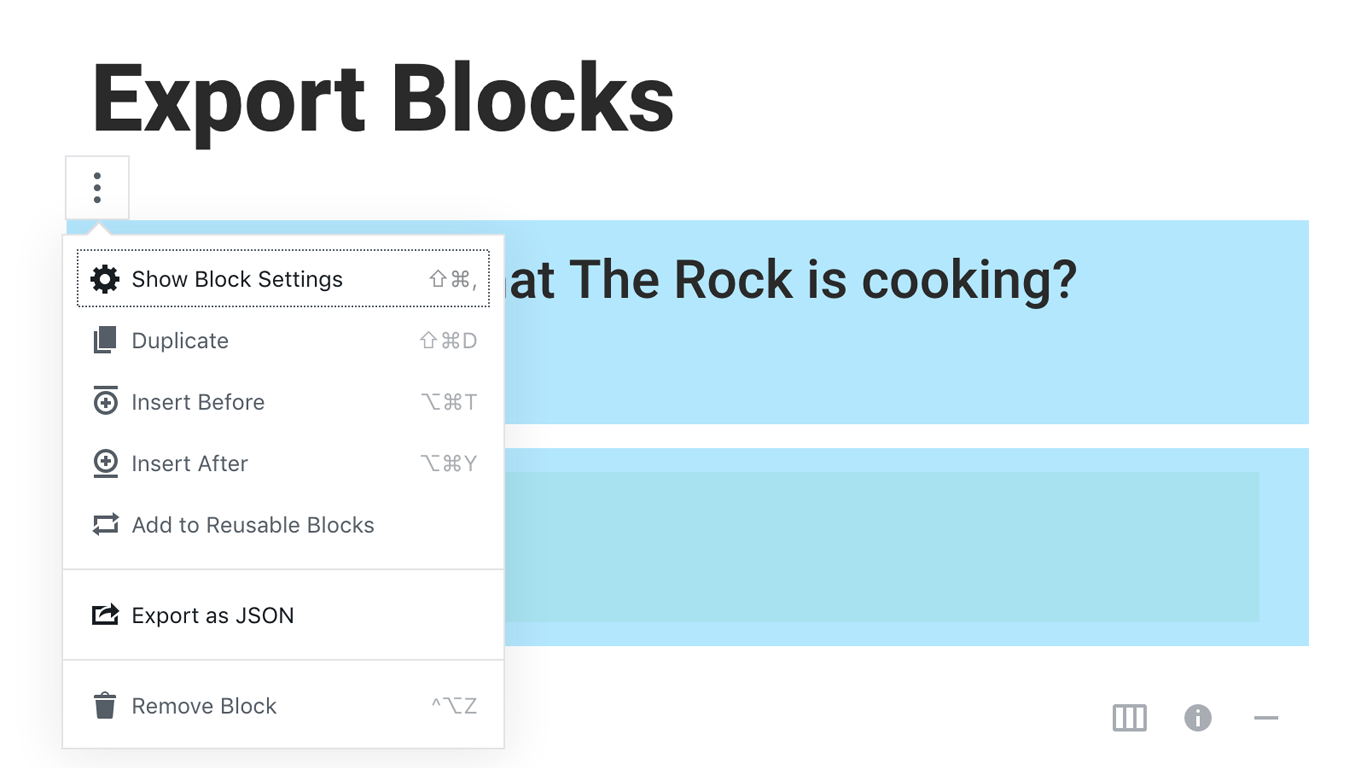
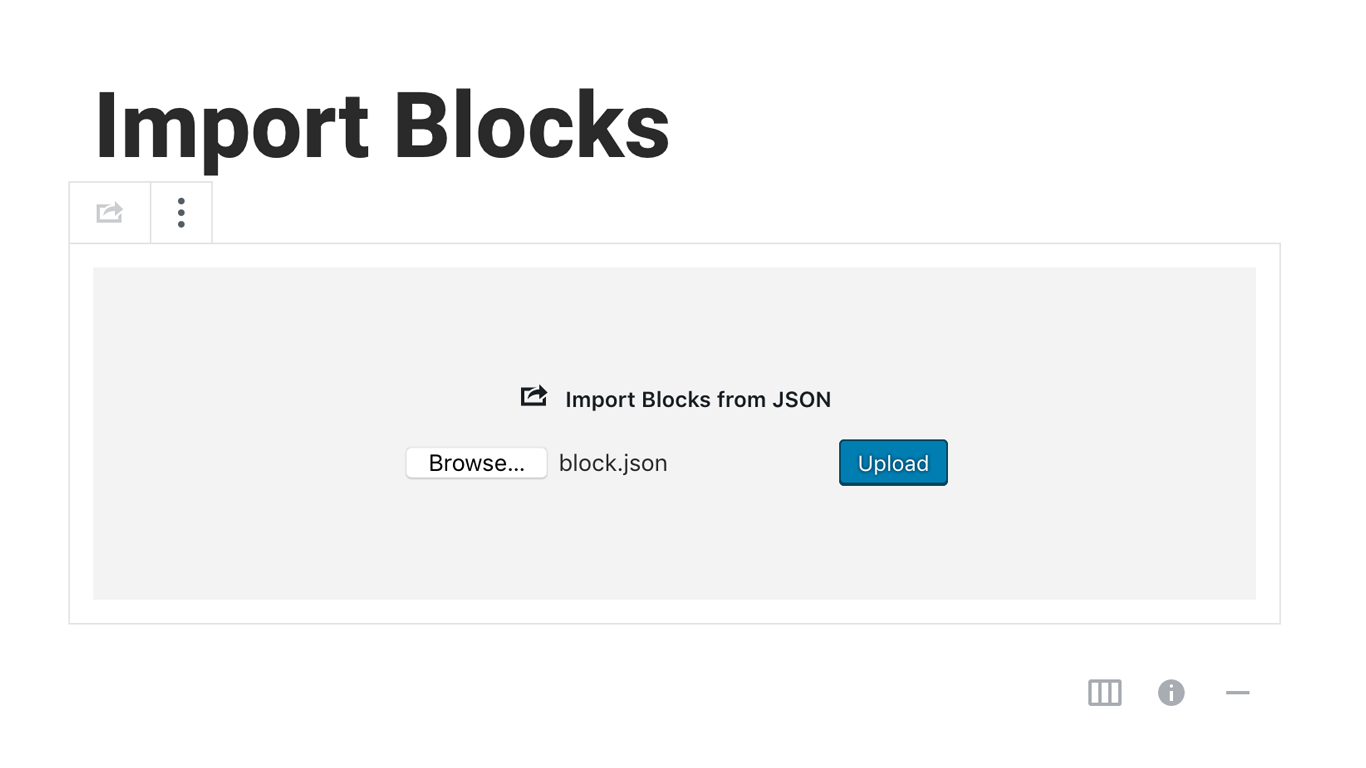
Blocks Export Import plugin allows you to import and export blocks as JSON in Gutenberg Block Editor.
All the code and sources for this plugin are publicly available as part of https://github.com/Codeinwp/otter-blocks.
Fota wobrazowki
Instalacija
Activating this plugin is just like any other plugin. If you’ve uploaded the plugin package to your server already, skip to step 5 below:
- Install using the WordPress built-in Plugin installer, or Extract the zip file and drop the contents in the wp-content/plugins/ directory of your WordPress installation.
- Activate the plugin through the ‘Plugins’ menu in WordPress.
- Go to Gutenberg editor and play around with the block.

Sobuskutkowarjo a wuwiwarjo
„Blocks Export Import – Backup & Move Gutenberg Blocks as JSON“ je softwara wotewrjeneho žórła. Slědowacy ludźo su k tutomu tykačej přinošowali.
Sobuskutkowarjo

„Blocks Export Import – Backup & Move Gutenberg Blocks as JSON“ je so do 1 rěče přełožił. Dźakujemy so přełožowarjam za jich přinoški.
Přełožće „Blocks Export Import – Backup & Move Gutenberg Blocks as JSON“ do swojeje rěče.
Na wuwiću zajimowany?
Přehladajće kod, hladajće do SVN-repozitorija abo abonujće wuwiwanski protokol přez RSS.
Protokol změnow
You can check the changelog here.