
Wopisanje
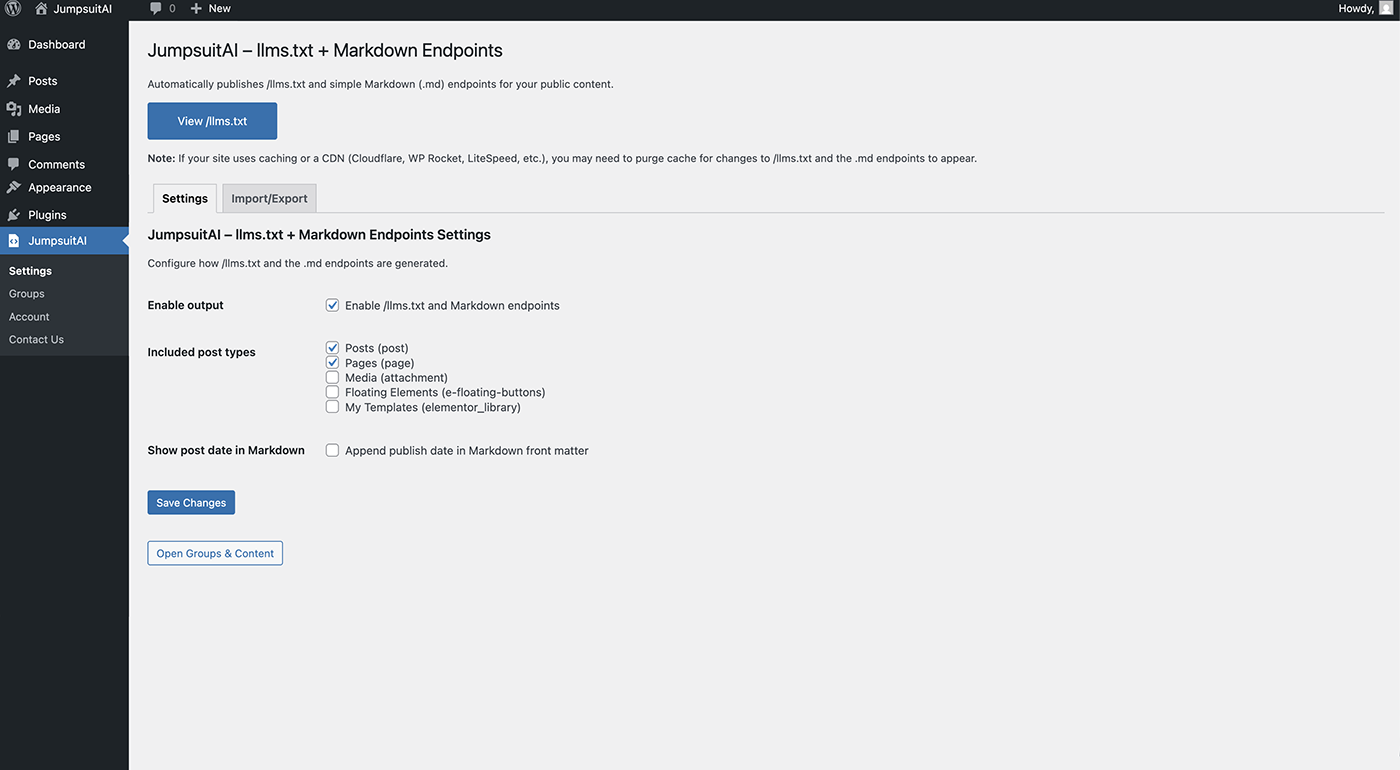
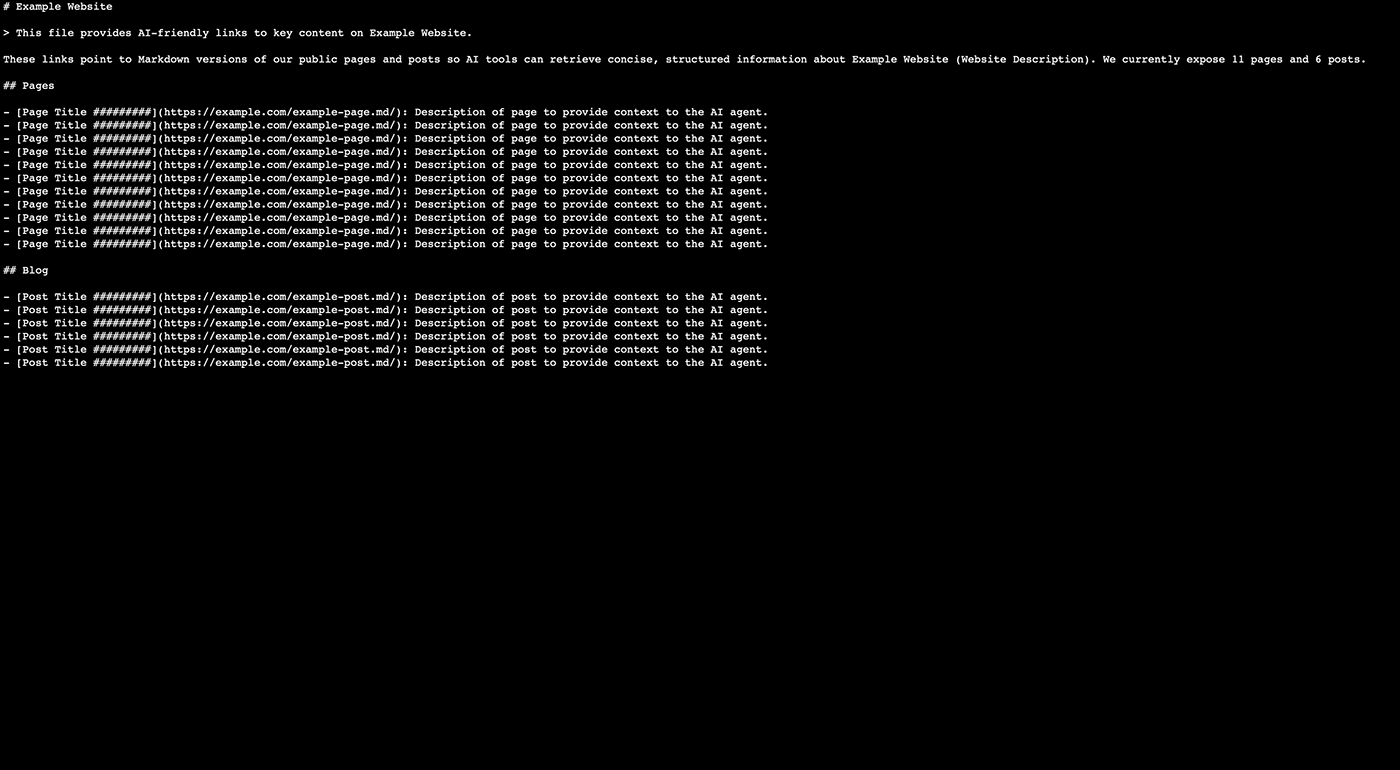
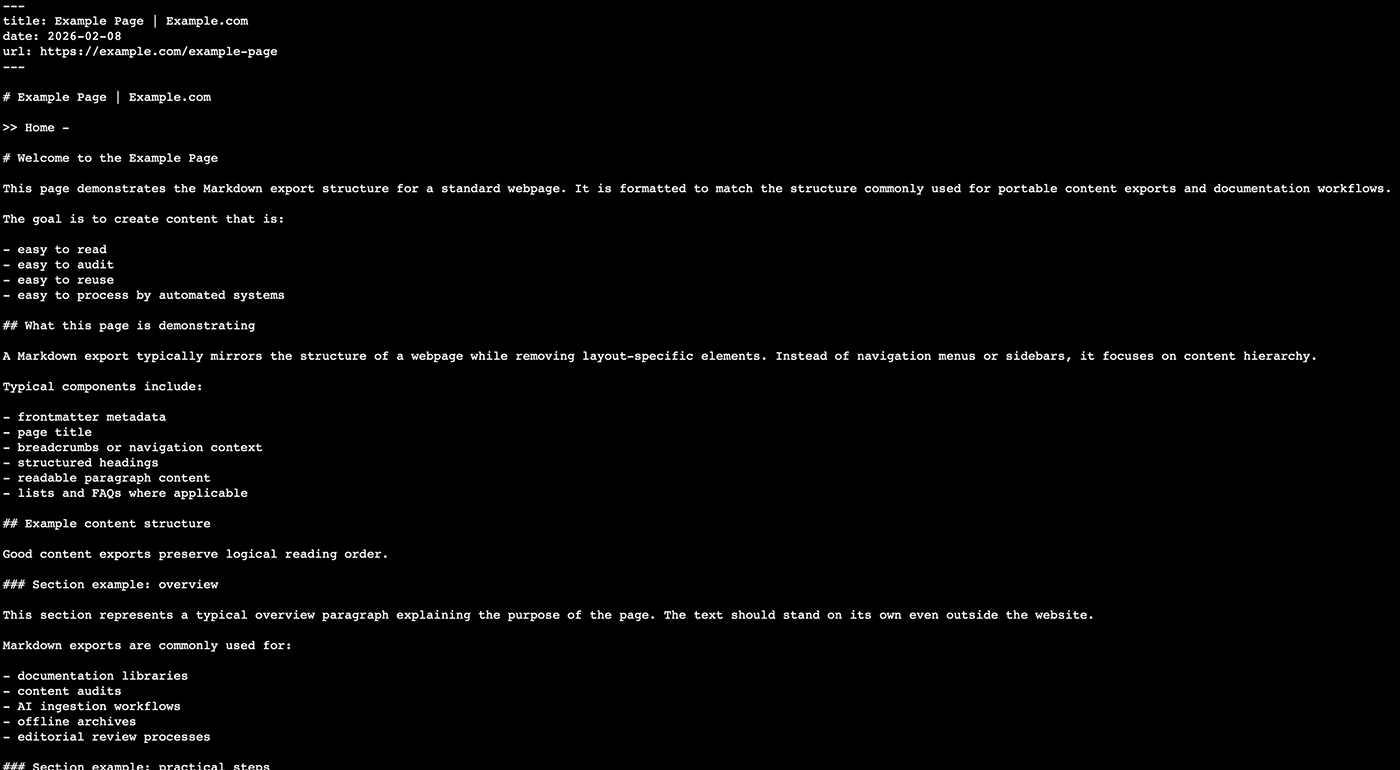
JumpsuitAI – llms.txt + Markdown Endpoints automatically publishes:
Plugin website: https://jumpsuitai.com
- /llms.txt — a structured list of links to your public content
- /llms-full.txt — the entire documentation in a single file (optional, enable in settings)
- .md endpoints — request a public URL with .md appended to get a lightweight Markdown representation
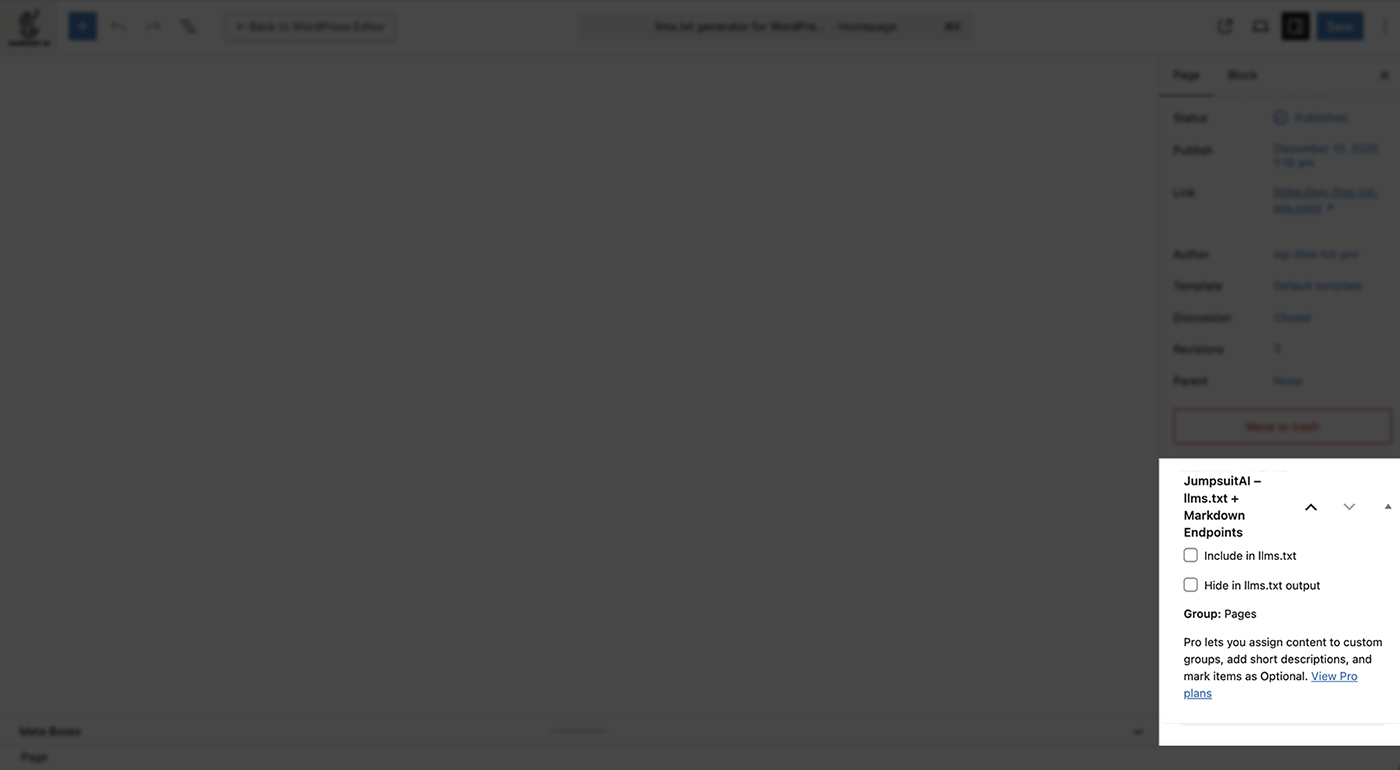
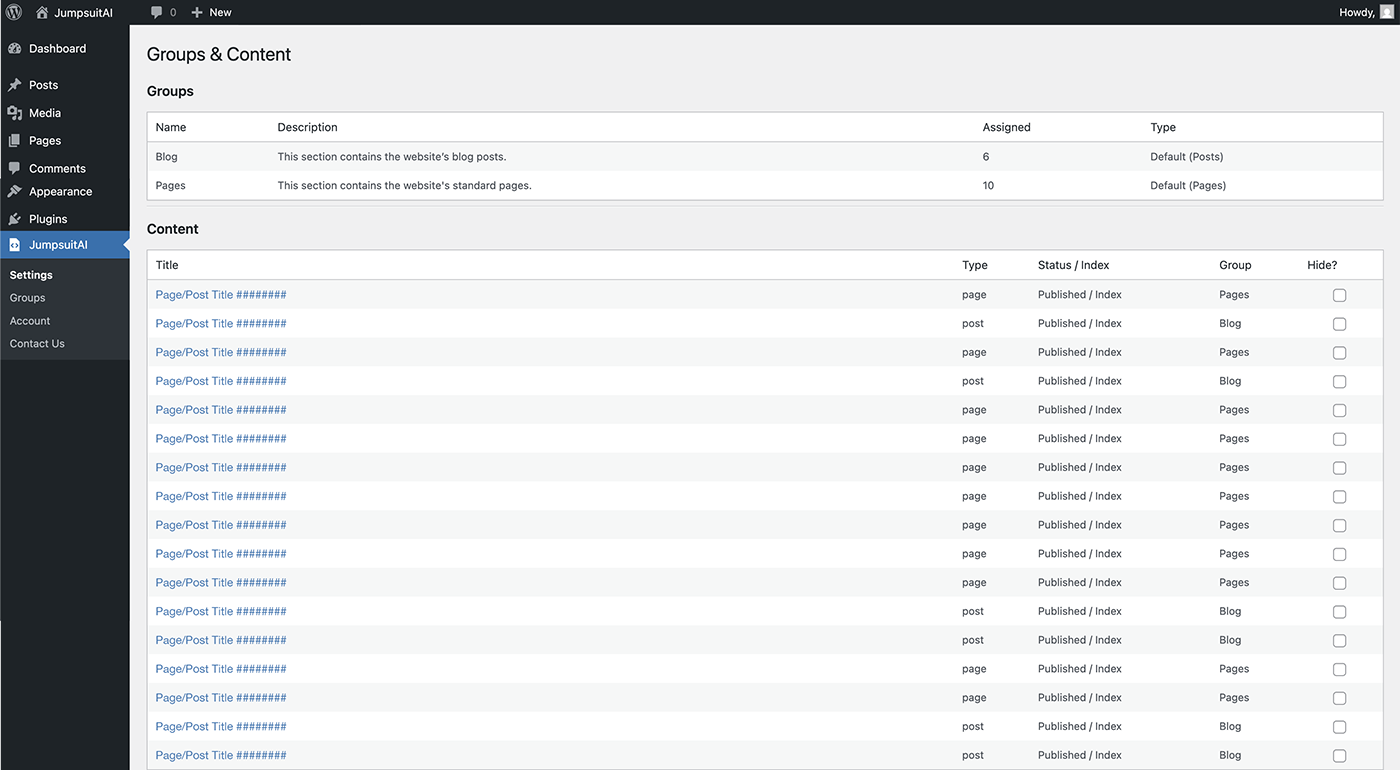
It also includes a simple Groups & Content screen to keep your output organized with sensible defaults (Pages and Posts), plus per-item controls like Hide from LLMs.
Pro (separate plugin)
JumpsuitAI – llms.txt + Markdown Endpoints Pro adds:
- Custom groups and manual ordering
- Per-item short descriptions
- Optional section support
- Custom intro text and blockquote customization
External Services
This plugin uses Freemius for plugin updates and (optional) usage analytics. Any data collection is opt-in.
- Service: Freemius
- Terms: https://freemius.com/terms/
- Privacy: https://freemius.com/privacy/
Fota wobrazowki
Instalacija
- Upload the plugin folder to
/wp-content/plugins/jumpsuitai-llms-txt/, or install via the WordPress Plugins screen. - Activate the plugin through the Plugins screen in WordPress.
- Go to JumpsuitAI – llms.txt + Markdown Endpoints Settings.
HSP
-
Where is the llms.txt file?
-
After activation, visit /llms.txt on your site.
-
Why don’t I see updates right away?
-
If you use caching or a CDN, you may need to purge cache for changes to /llms.txt and .md endpoints to appear.
-
Which URLs get a Markdown endpoint?
-
The plugin supports requesting a public URL with .md appended.
Pohódnoćenja


Sobuskutkowarjo a wuwiwarjo
„JumpsuitAI – llms.txt + Markdown Endpoints“ je softwara wotewrjeneho žórła. Slědowacy ludźo su k tutomu tykačej přinošowali.
Sobuskutkowarjo
Přełožće „JumpsuitAI – llms.txt + Markdown Endpoints“ do swojeje rěče.
Na wuwiću zajimowany?
Přehladajće kod, hladajće do SVN-repozitorija abo abonujće wuwiwanski protokol přez RSS.
Protokol změnow
1.1.5
- Updated stable WordPress tags.
1.1.4
- Fixed an issue where Markdown (.md) endpoints could render the wrong page content on some sites.
- Removed the redundant editor Include toggle. Content is included by default; use Hide in llms.txt output to exclude items.
1.1.3
- Added optional /llms-full.txt single-file export (toggle in Settings).
- Changed default section title from Blog to Posts.
- Fixed HTML entity escaping in Markdown output.
- Updated website references to jumpsuitai.com.
1.1.2
- Initial public release on WordPress.org.