

Wopisanje
AI Alt Text Generator, WordPress Performance & Website Maintenance
AF Companion brings AI-powered image alt text generation, WordPress performance optimization, database maintenance, content monitoring, and website health tools together in one dashboard.
Generate descriptive image alternative text with AI using your connected WordPress AI provider. Choose an available AI model, customize your instructions, and use Context AI to analyze individual images with relevant website and content context.
Beyond AI image alt text, AF Companion helps you maintain your WordPress website with performance controls, database cleanup, content monitoring, link monitoring, and server diagnostics.
Key features include:
- AI Alt Text Generator: Generate descriptive, context-aware image alt text using AI models available through compatible WordPress AI Connectors.
- Context AI: Analyze an individual image and generate relevant alternative text using context such as your website name and the post or page associated with the image.
- Custom AI Prompts: Customize image analysis and alt text generation instructions from the AI Settings page.
- AI Model Selection: Choose an available model through your connected WordPress AI provider, including a model capable of image analysis.
- Image Alt Text Audit: Find media library images with missing alternative text and update their descriptions.
- Performance Optimization: Configure selected WordPress core features, frontend assets, and loading behavior.
- Database Maintenance: Review database overhead and clean selected revisions, expired transients, spam comments, and orphaned metadata.
- Content Monitor: Monitor website content and identify items that may need attention.
- Link Monitor: Review website link health and identify links that may need attention.
- Website Health & Diagnostics: Check important WordPress and server components.
- SEO and Analytics Integrations: Configure supported analytics, structured data, social metadata, and webmaster verification settings.
Whether you manage a blog, business website, online magazine, or publishing platform, AF Companion helps you handle essential website maintenance from your WordPress dashboard.
Documentation: https://docs.afthemes.com/
Support: https://afthemes.com/support/
AF Themes: https://afthemes.com/
AI Alt Text Generator
Generate Context-Aware AI Alt Text for WordPress Images
Writing descriptive alternative text for every image can take time, especially on content-heavy websites with large media libraries.
AF Companion includes an AI-powered Alt Text Manager that analyzes images and helps generate relevant alternative text based on the image itself and its surrounding website context.
Instead of relying only on generic image descriptions, use the Context AI action to generate alt text that better reflects how an image is used on your website.
AI-powered features
- AI Image Analysis: Use a compatible AI model to analyze an individual image and generate a descriptive alternative text suggestion.
- Context AI Button: Start AI image analysis directly from an individual image in the media management interface.
- Website Context: Use your website name and other available site information to help guide the generated description.
- Linked Post Context: Consider the post or page associated with an image when generating relevant alternative text.
- Custom AI Prompts: Configure your own instructions from the dedicated AI Settings page to guide the output.
- AI Model Selection: Select an available model through your connected WordPress AI provider.
- Native WordPress AI Integration: Use compatible WordPress AI Connectors instead of configuring a separate AI provider API key inside AF Companion.
How Context AI works
- Open your WordPress media on Alt Text Manager admin menu and select an image.
- Use the Context AI button available for the individual image.
- AF Companion analyzes the image and available website context, such as the website name and linked post or page.
- The connected AI model generates a relevant alternative text suggestion.
- Review the generated description and use it as appropriate for the image.
Customize your AI instructions
Open the AI Settings page to customize the prompt used for AI image analysis and alt text generation. Adapt the instructions to your website’s subject, editorial style, terminology, and preferred description format.
Choose your AI model
AF Companion uses available models through compatible WordPress AI Connectors. Select a model supported by your connected provider. Image analysis requires a model that supports image input.
AI provider availability and model options depend on your WordPress AI Connector configuration.
Image Alt Text Manager
Audit and Improve Image Alternative Text
Alongside AI generation, the Alt Text Manager helps you review existing media library images and identify missing alternative text.
Features include:
- Audit media library images for missing alternative text.
- Identify images that may need descriptive alt text.
- Update image alternative text from the management interface.
- Use AI-assisted image analysis to generate relevant descriptions.
- Customize AI generation instructions.
- Review AI-generated suggestions before using them.
Accessibility and image SEO
Alternative text helps people using screen readers understand meaningful images. It can also provide search engines with additional information about image content.
Write descriptions that communicate the purpose or meaningful content of an image. Avoid adding unrelated keywords or repeating the same description across different images.
Decorative images generally do not need descriptive alternative text. AI-generated descriptions should always be reviewed for accuracy and relevance before publication.
An attachment’s alt text and an image’s rendered markup are not always the same. Images inserted through custom HTML, page builders, or other plugins may require separate review.
WordPress AI Connector Setup
AI-powered image analysis requires a compatible WordPress AI Connector and an available model that supports image input.
- Configure an AI provider using the available WordPress AI Connector.
- Make sure the provider has an available image-capable model.
- Open AF Companion’s AI Settings page.
- Select an available AI model.
- Customize the AI prompt to match your website and content requirements.
- Open an image in the Alt Text Manager and use Context AI to generate an alt text suggestion.
The available providers and models depend on the connectors installed and configured on your WordPress website. AI provider usage may be subject to the provider’s own pricing, limits, terms, and privacy policies.
Performance Optimization
Improve your WordPress site’s configuration with controls for selected core features, frontend assets, and loading behavior.
Available optimization settings include:
- Disable WordPress Emojis when they are not needed.
- Disable oEmbeds.
- Disable XML-RPC when your website and integrations do not require it.
- Remove selected header metadata, including RSD, WLW, and WordPress version information.
- Minify HTML output.
- Load JavaScript asynchronously.
- Configure Google Fonts display using
font-display: swap. - Remove query strings from selected static assets.
- Disable Dashicons for visitors who are not logged in.
- Control WordPress Heartbeat API frequency.
- Adjust the editor autosave interval.
- Limit the number of stored post revisions.
- Remove selected block library CSS when it is not needed.
- Enable lazy loading for video iframes.
These settings provide control over selected WordPress behaviors and frontend resources. Results depend on your theme, plugins, hosting environment, and site configuration. Test optimization settings with your active theme and plugins before enabling them on a production website.
Database Maintenance
Keep your WordPress database manageable with tools for reviewing and cleaning selected data.
Database maintenance features include:
- Scan database overhead before performing cleanup.
- Preview eligible cleanup operations using dry-run scanning.
- Remove selected post revisions.
- Clean expired transients.
- Remove spam comments.
- Remove orphaned post metadata.
- Process deletion tasks in batches to help reduce the risk of long-running database operations.
- Inspect database information and autoloaded options.
- Convert supported MyISAM database tables to InnoDB.
Important: Database cleanup and table conversion can affect stored website data. Review the available operations and create a database backup before performing maintenance. Test database changes on a staging site when possible.
Content Monitor
Keep track of website content as part of your regular publishing and maintenance workflow.
The Content Monitor module provides content monitoring tools to help you review existing content and identify items that may need attention.
Use it as part of a regular editorial maintenance routine to help keep published pages and posts up to date.
Link Monitor
Keep an eye on links across your website with the Link Monitor module.
Use link monitoring to review website link health and identify links that may need attention. Checking links regularly can help you find outdated or unavailable destinations and maintain a better experience for visitors.
Review reported link issues before changing or removing URLs. A destination that temporarily blocks automated requests or limits traffic may not necessarily be unavailable to visitors.
SEO, Analytics & Social Integrations
Configure supported tracking, metadata, and publishing integrations from the AF Companion dashboard.
Analytics and tracking
- Google Analytics 4 (GA4).
- Google Tag Manager.
- Meta Pixel.
- Microsoft Clarity.
SEO and structured data
- Article Schema (JSON-LD) settings.
- SEO plugin compatibility checks to help prevent duplicate schema output.
- Supported integrations with Yoast SEO, Rank Math, All in One SEO, and SEOPress.
Social sharing
- Open Graph settings.
- Fallback social sharing images.
- Live social share card preview for supported social platforms, including Facebook, X, and WhatsApp.
Webmaster verification
- Google Search Console.
- Bing Webmaster Tools.
- Yandex.
- Pinterest.
Publisher tools
- Google News keywords and related publisher metadata.
- Copyright attribution URL settings.
- RSS feed content attribution footer.
- AdSense Auto Ads integration.
- Mailchimp API settings.
Tracking and third-party integrations may require configuration or account credentials from the relevant service. Check your site’s privacy and consent requirements before enabling tracking scripts.
If another SEO plugin already outputs structured data, review your schema settings to avoid duplicate markup.
Website Health & Diagnostics
Review important parts of your WordPress installation and hosting environment.
Available diagnostic checks include:
- WordPress REST API accessibility.
- Loopback request availability.
- PHP memory and execution limits.
- PHP extension availability.
- WP-Cron monitoring.
- Database information and autoloaded options.
- Imagick and GD image library availability.
- MyISAM and InnoDB database table information.
These checks help identify configuration issues that may require attention from your hosting provider or website administrator. AF Companion does not replace server monitoring or a complete security audit.
Legacy Demo Import Tools
AF Companion retains its legacy demo and manual import functionality for supported AF Themes workflows.
The manual import interface supports the following files:
- XML: Import WordPress demo content.
- WIE or JSON: Import widget settings exported using a compatible widget import/export tool.
- DAT: Import Customizer settings exported from the same theme.
The XML file is required for a content import. Widget and Customizer files are optional.
Customizer settings should be imported only when the export file was created using the same theme. Always review imported content and settings before using them on a live website.
AF themes
The most flexible WordPress themes and plugins crafted for the future web.
Access a diverse collection of ready-to-use websites with AF Companion 🌟
💁 Pre-made full website starter demo sites
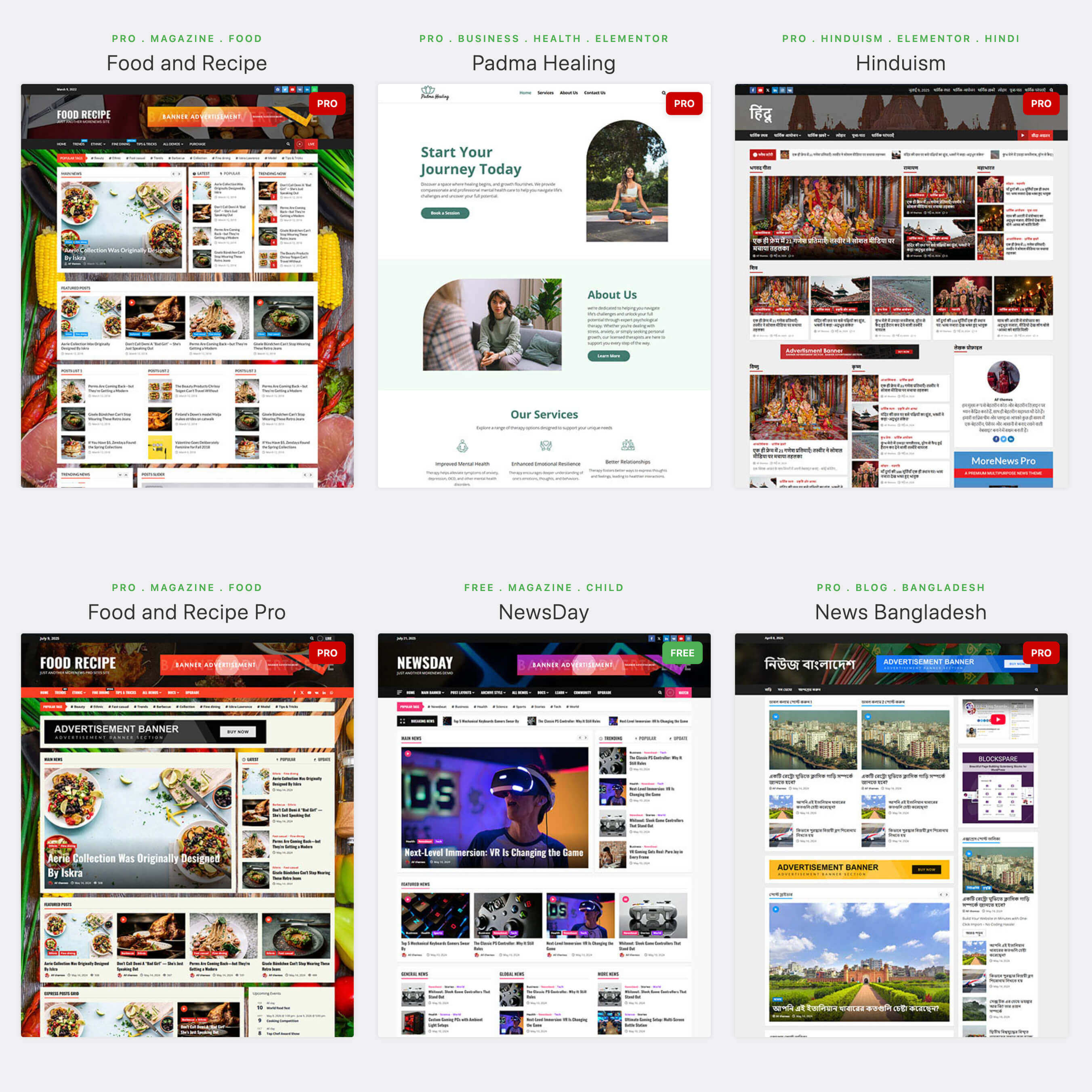
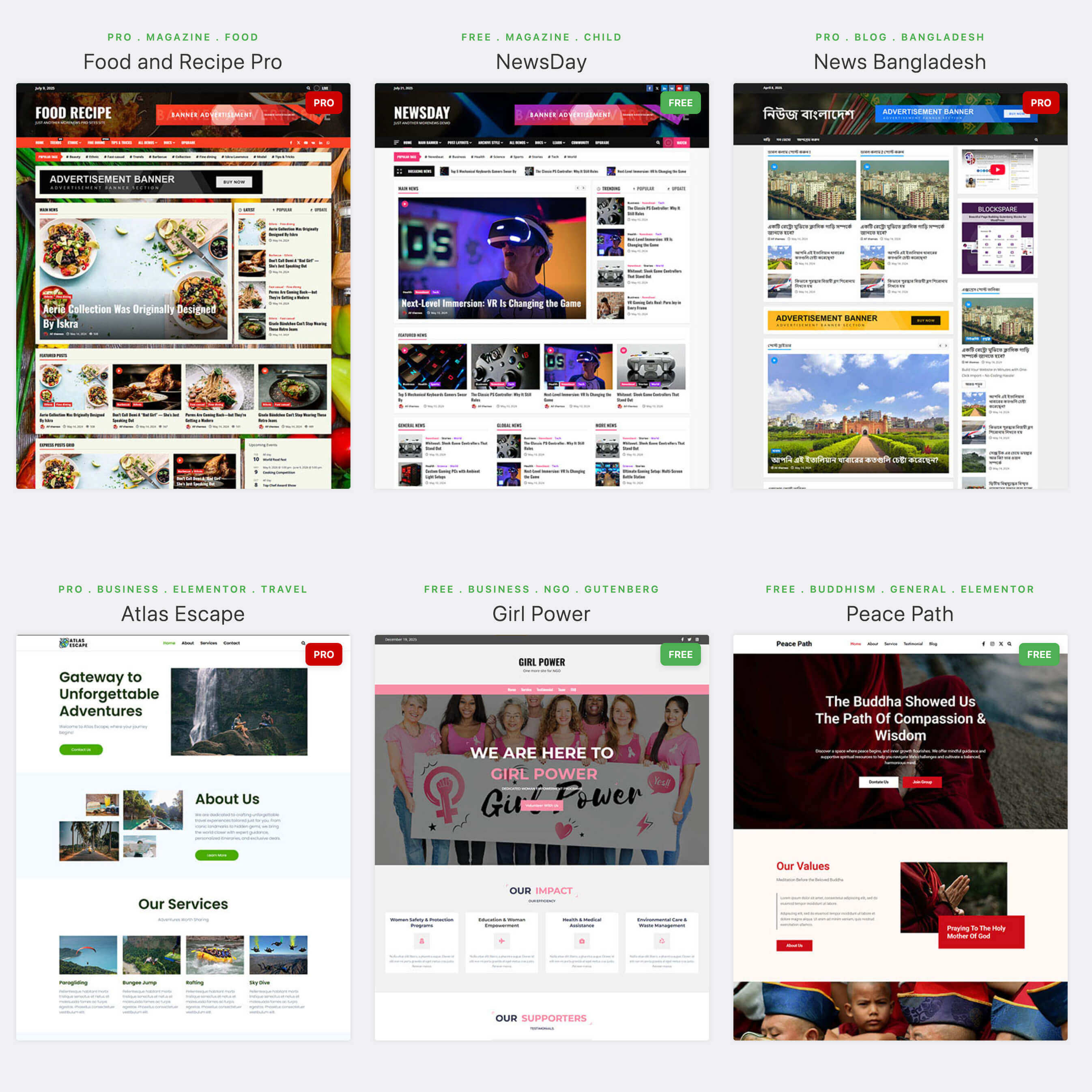
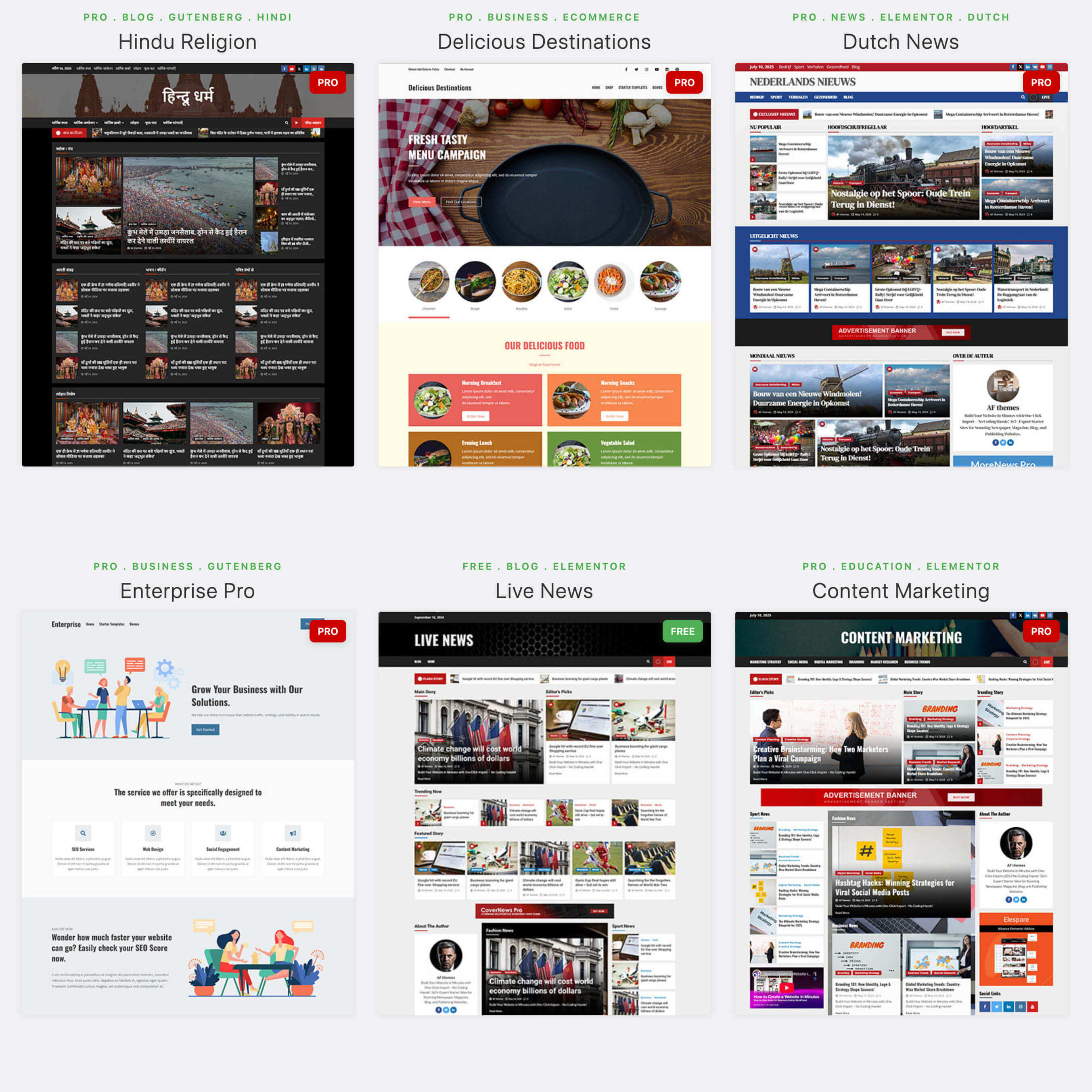
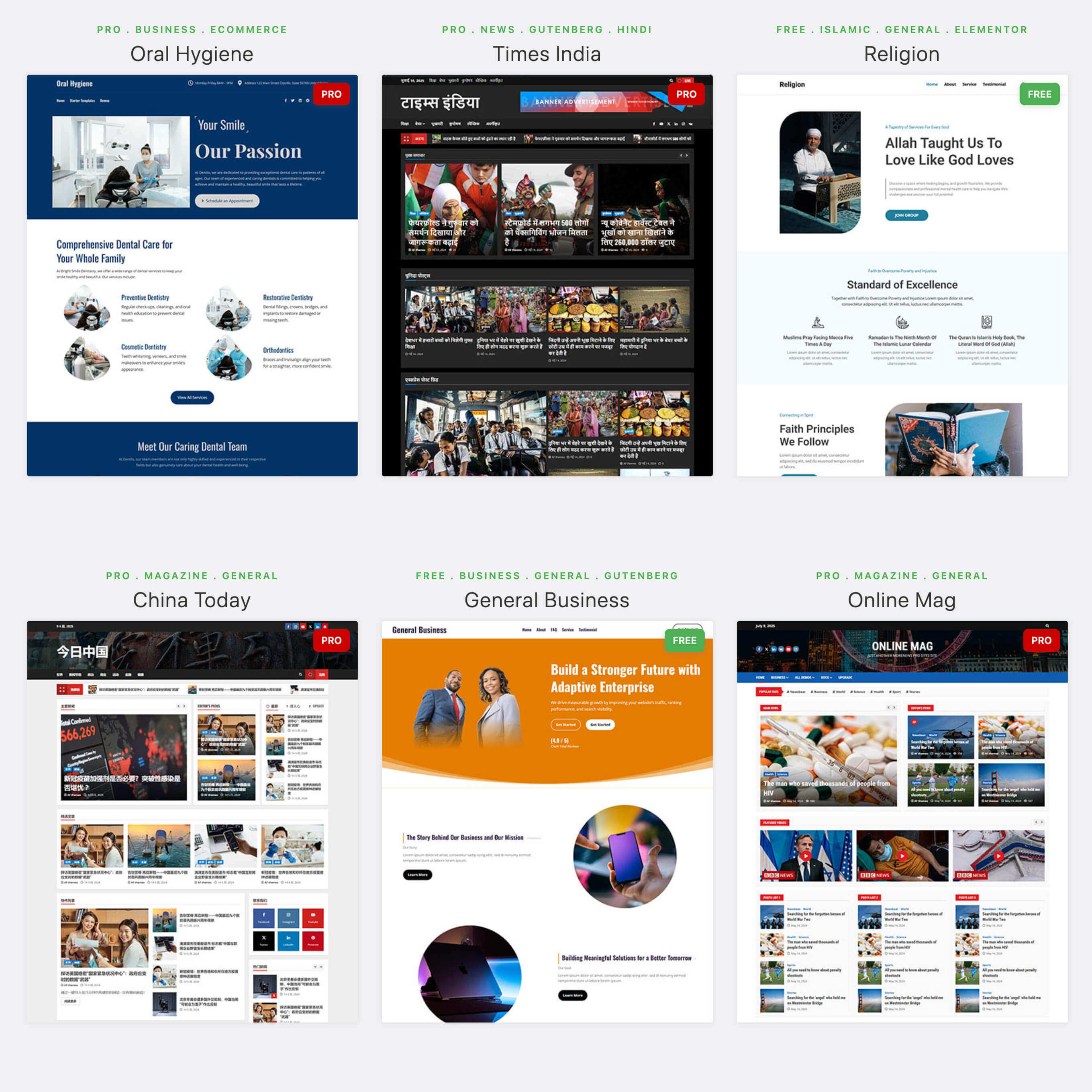
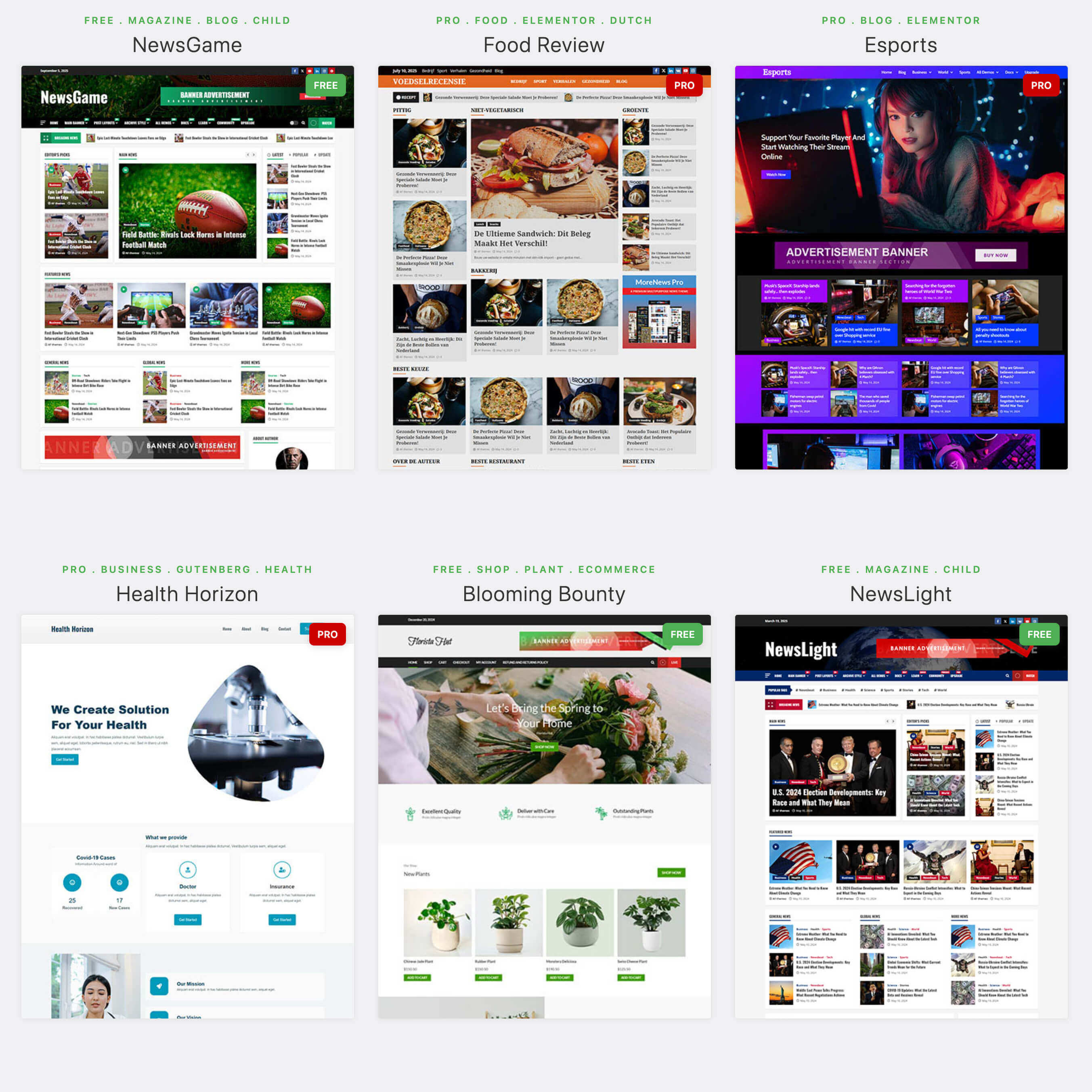
This plugin provides you with access to hundreds of starter demo websites that are featured on a single dashboard.
💁 One Click Demo Import
All you have to do is choose the demo that best meets your needs, import it, and you’re ready to start!
💁 Your website in Minutes
You’ll get access to the sites in a matter of minutes.
🚀 Enhance your website further by unlocking premium demos through our All Themes Plan Bundles or selecting individual Premium Themes.
Newspaper Website using Gutenberg Blocks, Patterns, Templates – Page-builder like Features
Facilitating Seamless Guest Author Collaboration for WordPress Posts | WP Post Author Plugin
Get the outstanding themes from AF themes
__ Check all of our Free themes __
👉 CoverNews
👉 ChromeNews
👉 MoreNews
👉 Newsphere
👉 DarkNews
👉 Newspare
👉 BroadNews
👉 EnterNews
👉 Newsium
👉 Newsever
👉 Shopical
👉 StoreCommerce
👉 Storeship
👉 Elegant Magazine
👉 And More..
__ Check all of our Premium themes__
👉 CoverNews Pro
👉 ChromeNews Pro
👉 MoreNews Pro
👉 Newsphere Pro
👉 ReviewNews Pro
👉 DarkNews Pro
👉 BroadNews Pro
👉 EnterNews Pro
👉 Newsium Pro
👉 Newsever Pro
👉 Shopical Pro
👉 StoreCommerce Pro
👉 Storeship Pro
👉 Elegant Magazine Pro
👉 And More..
Welcome in for other amazing plugins from AF themes
__ Check all of our Free plugins __
👉 Templatespare
👉 WP Post Author
👉 Blockspare
👉 Elespare
👉 AF Translate
👉 Latest Posts Block Lite
👉 Magic Content Box Lite
__ Check all of our Premium plugins __
👉 WP Post Author Pro
👉 Blockspare Pro
👉 Elespare Pro
👉 Latest Posts Block
👉 Magic Content Box
👉 Pricing Table Block
👉 Team and Testimonial Block
License
AF Companion uses ‚One Click Demo Import‘ plugin script
https://github.com/proteusthemes/one-click-demo-import
(C) 2016 ProteusThemes.com
Licensed under the GNU General Public License v2.0,
https://www.gnu.org/licenses/gpl-2.0.html
AF Companion uses ‚Wordpress Importer‘ plugin script
https://github.com/humanmade/WordPress-Importer
(C) 2016 @humanmade
Licensed under the GNU General Public License v2.0,
https://www.gnu.org/licenses/gpl-2.0.html
Copyright
AF Companion, Copyright 2026 AF themes
AF Companion is distributed under the terms of the GNU GPL
This program is free software; you can raftcstribute it and/or modify
it under the terms of the GNU General Public License as published by
the Free Software Foundation; either version 2 of the License, or
(at your option) any later version.
This program is distributed in the hope that it will be useful,
but WITHOUT ANY WARRANTY; without even the implied warranty of
MERCHANTABILITY or FITNESS FOR A PARTICULAR PURPOSE. See the
GNU General Public License for more details.
You should have received a copy of the GNU General Public License along
with this program; if not, write to the Free Software Foundation, Inc.,
51 Franklin Street, Fifth Floor, Boston, MA 02110-1301 USA.
3.1.0 – 07/11/2026
- Introduced AI-powered image alt text generation through compatible WordPress AI Connectors.
- Added Context AI actions for individual images to generate context-aware alternative text using image analysis and available website and linked content context.
- Added AI model selection and customizable prompts through the new AI Settings page.
- Added the Alt Text Manager for auditing media library images with missing alternative text.
3.0.0 – 05/11/2026
- Introduced a unified administration header with AF themes branding, plugin version information, and responsive module navigation.
- Added the Speed Booster control center with database write throttling, post revision limits, editor autosave interval controls, Heartbeat API frequency settings, selective block library CSS removal, and video iframe lazy loading.
- Added the Alt Text Manager for auditing media library images with missing alternative text.
- Added Content Monitor and Link Monitor modules.
- Improved database maintenance with dry-run scanning and batched cleanup operations for selected revisions, expired transients, spam comments, and orphaned post metadata.
- Improved system diagnostics for loopback requests, REST API accessibility, PHP extensions, and scheduled tasks.
- Added database table conversion support from MyISAM to InnoDB.
- Added a live social sharing preview for supported social platforms.
- Added webmaster verification settings for Google Search Console, Bing, Yandex, and Pinterest.
- Improved SEO schema compatibility checks for supported SEO plugins.
- Added publisher metadata settings, including Google News keywords, copyright attribution URLs, and RSS content attribution footers.
- Added a recommended free themes showcase for AF themes.
- Improved administration layout, input sanitization, capability checks, and modular code organization.
2.2.0 – 15/09/2026
- …
Fota wobrazowki


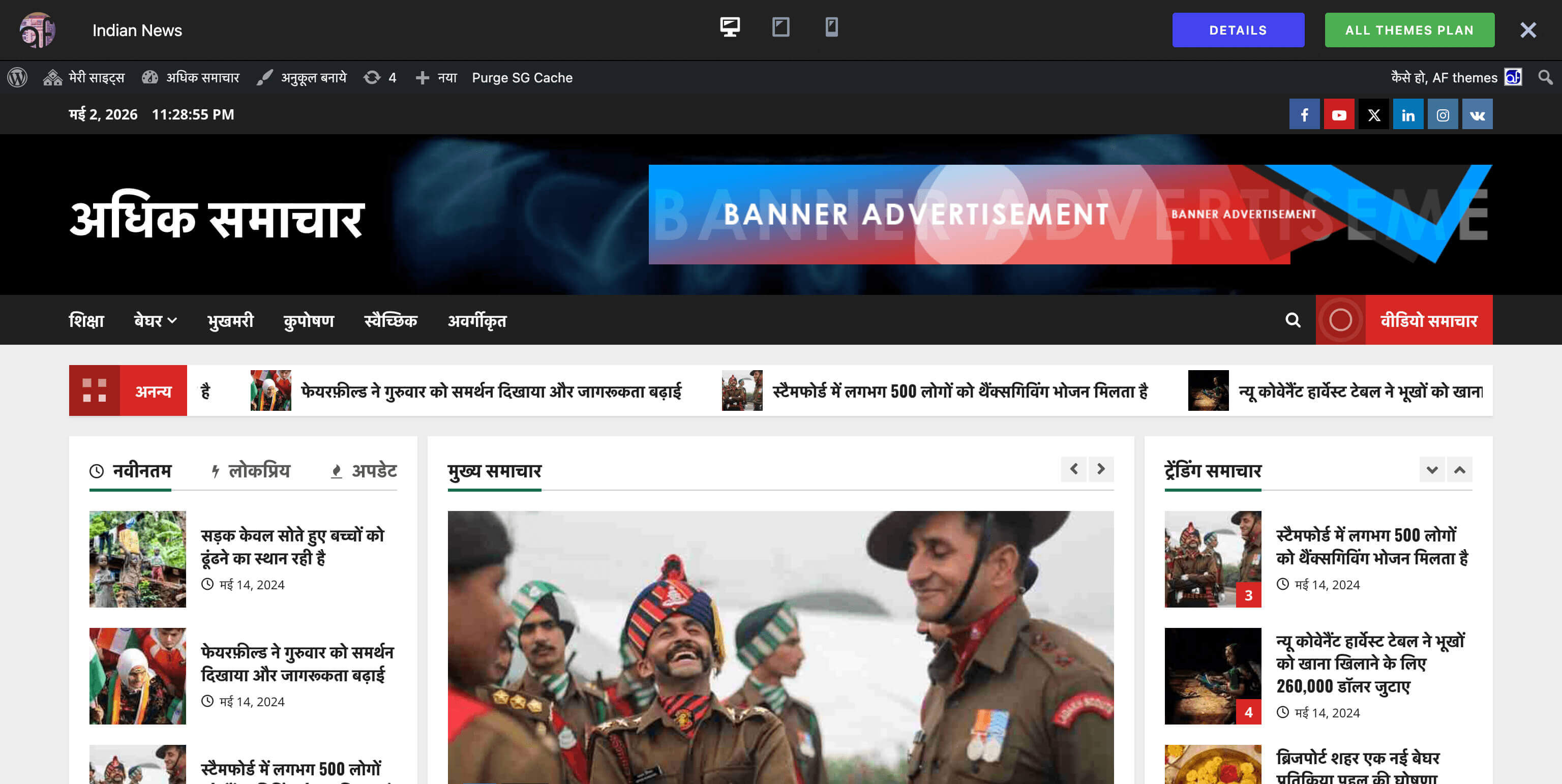
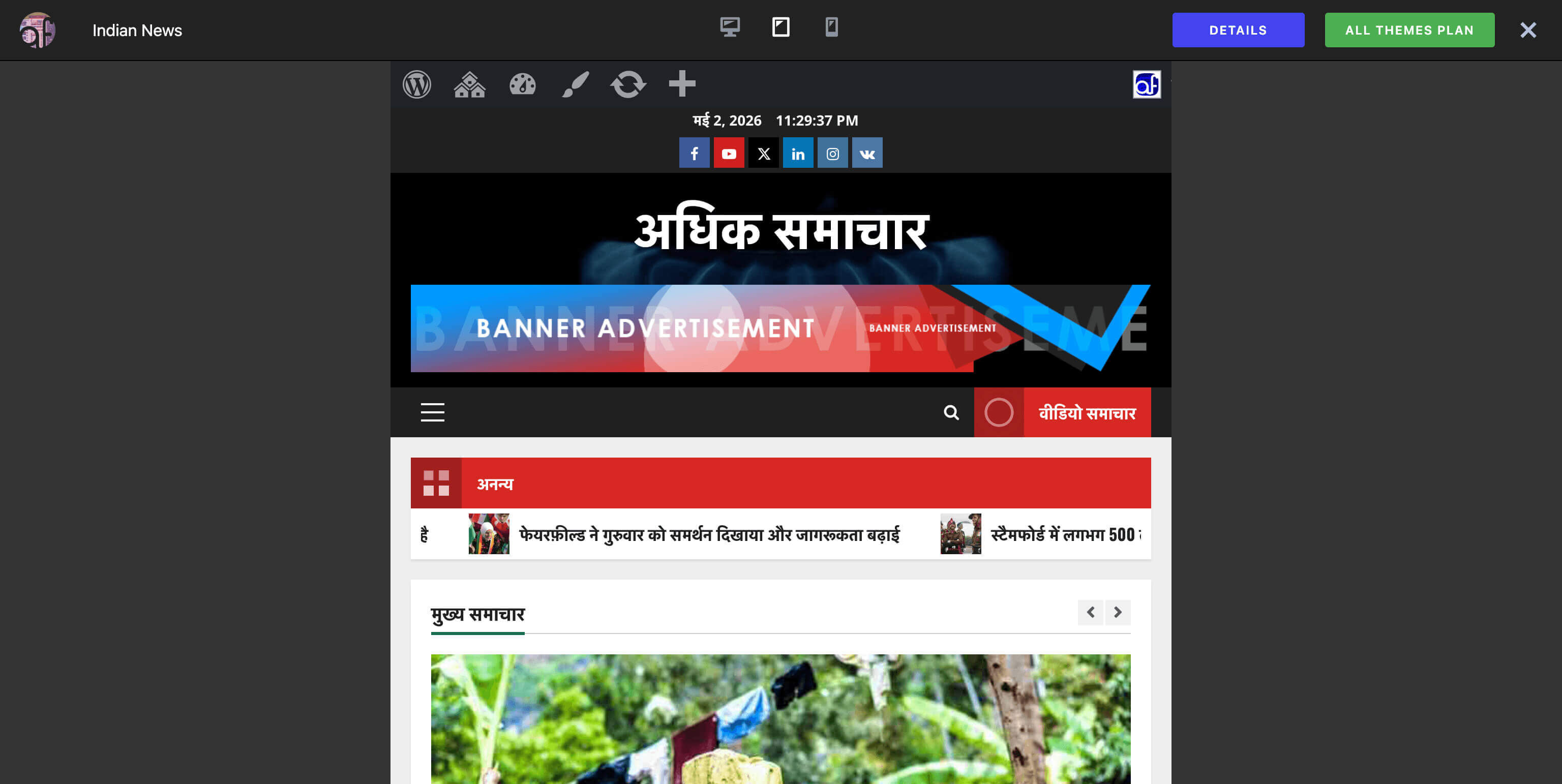
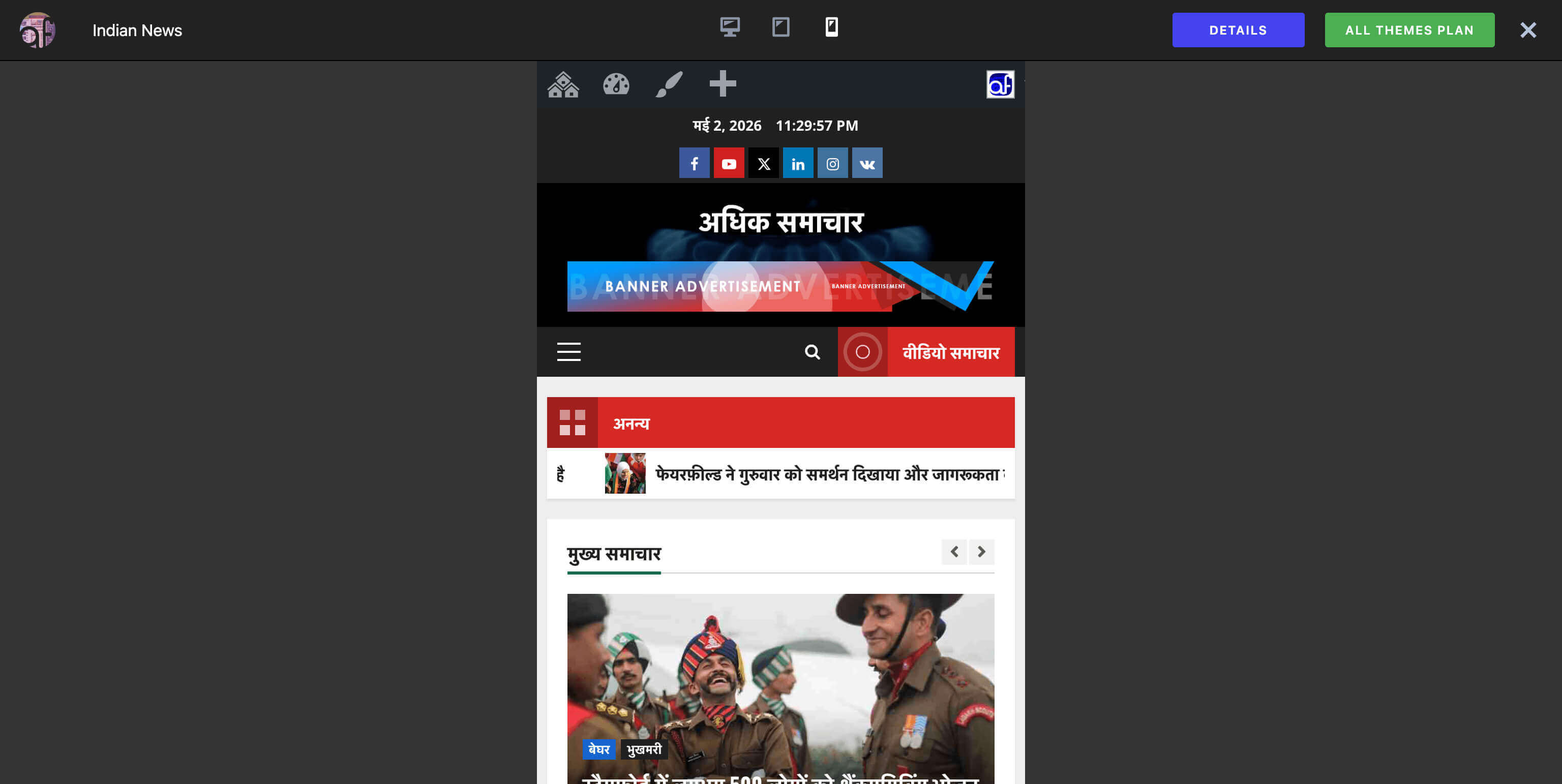
Instalacija
- In your WordPress dashboard, go to Plugins > Add New.
- Search for AF Companion.
- Install and activate the plugin.
- Open AF Companion from your WordPress administration menu.
- Select the module you want to configure and review its available settings.
To use AI-powered alt text generation:
- Configure a compatible AI provider through WordPress AI Connectors.
- Open the AF Companion AI Settings page.
- Select an available image-capable model.
- Customize your AI prompt.
- Open an image in the Alt Text Manager and select Context AI.
Before enabling performance optimizations or running database maintenance, create a backup of your website.
HSP
-
What is AF Companion?
-
AF Companion is a WordPress performance, maintenance, and site health plugin. It includes an AI alt text generator, media library auditing, database maintenance, content monitoring, link monitoring, performance optimization, website diagnostics, and supported SEO and analytics integrations.
-
Does AF Companion include an AI alt text generator?
-
Yes. AF Companion includes an AI-powered Alt Text Manager that analyzes individual images and generates descriptive alternative text suggestions. It can use available website and linked post or page context to help make descriptions more relevant.
-
What is Context AI?
-
Context AI is an individual image analysis action in the Alt Text Manager. It analyzes an image and uses available website context, such as your website name and linked post or page, to generate a relevant alternative text suggestion.
-
How do I generate AI alt text for an image?
-
Open the image in your WordPress Alt Text Manager and use the Context AI button. AF Companion sends the image and available context to your selected AI model and returns an alternative text suggestion for you to review.
-
Which AI models and providers are supported?
-
AF Companion uses models available through compatible WordPress AI Connectors. The available providers and models depend on the connectors configured on your website. Choose a model that supports image input for AI image analysis.
-
Do I need to add a separate API key in AF Companion?
-
AF Companion uses compatible WordPress AI Connectors for provider access. Configure your AI provider through the available WordPress connector settings rather than entering a separate provider API key in the AF Companion AI Settings page.
-
Can I customize the AI prompt?
-
Yes. Open the AF Companion AI Settings page to customize the prompt used for image analysis and alt text generation. You can adapt the instructions to your website’s subject, content, and preferred writing style.
-
Does Context AI use the content of my website?
-
Context AI can use available contextual information, including your website name and the post or page associated with an image, to help generate a relevant description. The image and selected context are processed by the connected AI provider.
-
Does AI automatically generate alt text for every image?
-
The Context AI feature provides an on-demand action for individual images. It does not mean that every image is automatically processed. Use the feature when you want an AI-generated suggestion for a particular image.
-
Should I review AI-generated alt text?
-
Yes. AI-generated descriptions are suggestions and may occasionally miss details or interpret an image incorrectly. Review each description before using it. Ensure the final alternative text accurately reflects the image and its purpose in the page.
-
Does AI-generated alt text improve image SEO?
-
Descriptive alternative text helps search engines understand meaningful image content and supports accessible website experiences. AI can help create relevant descriptions, but it does not guarantee higher search rankings or increased traffic.
-
Does the Alt Text Manager find images with missing alt text?
-
Yes. The Alt Text Manager audits your media library to identify images with missing alternative text and provides a way to update image alt text.
-
Can AF Companion help improve WordPress performance?
-
Yes. AF Companion includes settings for selected WordPress core features, frontend assets, JavaScript loading, HTML output, Heartbeat API frequency, editor autosave, post revisions, and video iframe lazy loading. The impact of each setting depends on your theme, plugins, hosting, and website configuration.
-
Does AF Companion include database cleanup tools?
-
Yes. You can review database overhead and clean selected post revisions, expired transients, spam comments, and orphaned post metadata. The maintenance tools include dry-run scanning and batched deletion.
Always back up your database before performing cleanup operations.
-
What does the Content Monitor do?
-
Content Monitor provides tools for monitoring website content and identifying content that may need attention as part of your regular publishing and maintenance workflow.
-
Can AF Companion check broken links?
-
AF Companion includes a Link Monitor module for reviewing website link health and identifying links that may need attention. Review reported issues before changing URLs, since temporary connection problems or destination-side restrictions can affect automated checks.
-
Does AF Companion include SEO features?
-
Yes. AF Companion includes supported Article Schema settings, SEO plugin compatibility checks, Open Graph settings, webmaster verification fields, and publisher-specific metadata. It is intended to complement your SEO workflow, not replace a dedicated SEO plugin.
-
Which analytics services are supported?
-
The available integrations include Google Analytics 4, Google Tag Manager, Meta Pixel, and Microsoft Clarity. You may need credentials or configuration details from the relevant service.
-
Can I use AF Companion with an SEO plugin?
-
Yes. AF Companion includes schema compatibility checks for supported SEO plugins, including Yoast SEO, Rank Math, All in One SEO, and SEOPress. Review your configuration to avoid duplicate structured data.
-
Can I use AF Companion with a caching plugin?
-
AF Companion provides WordPress optimization settings that may be used alongside a caching plugin. However, some optimization features can overlap or conflict with caching, minification, and JavaScript optimization tools. Test settings individually and disable duplicate functionality where necessary.
-
Does AF Companion still include demo import functionality?
-
Yes. Legacy demo and manual import tools remain available for supported AF Themes workflows. The plugin’s primary focus is now AI-assisted image alt text, WordPress performance, maintenance, monitoring, and site health.
-
Is AF Companion suitable for websites that do not use AF Themes?
-
Many of AF Companion’s performance, maintenance, monitoring, AI alt text, and diagnostic tools are intended for general WordPress websites. Legacy demo import functionality is intended for compatible AF Themes workflows.
-
Where can I get help with AF Companion?
-
For documentation and support, visit:
- Documentation: https://docs.afthemes.com/
- Support: https://afthemes.com/support/
Pohódnoćenja


Sobuskutkowarjo a wuwiwarjo
„AF Companion – AI Alt Text, Performance, Site Health & Maintenance“ je softwara wotewrjeneho žórła. Slědowacy ludźo su k tutomu tykačej přinošowali.
Sobuskutkowarjo
„AF Companion – AI Alt Text, Performance, Site Health & Maintenance“ je so do 2 rěčow přełožił. Dźakujemy so přełožowarjam za jich přinoški.
Přełožće „AF Companion – AI Alt Text, Performance, Site Health & Maintenance“ do swojeje rěče.
Na wuwiću zajimowany?
Přehladajće kod, hladajće do SVN-repozitorija abo abonujće wuwiwanski protokol přez RSS.